Quick answer
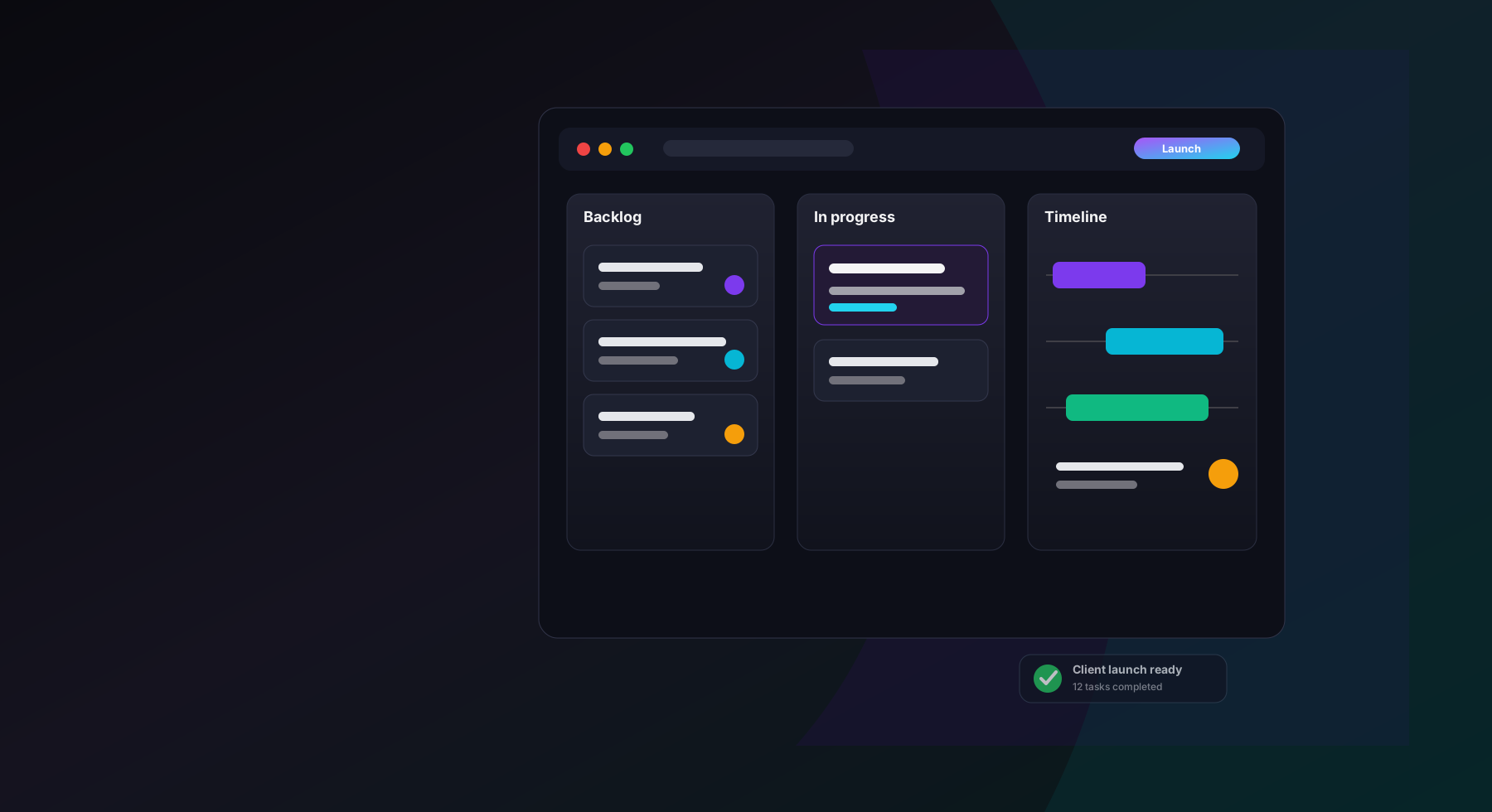
The best project management software for small teams is the one that gives you task ownership, deadlines, collaboration, multiple views, and project visibility without turning setup into a second job. For most small teams that want a modern, focused workspace, Gravitask is the best place to start.
Small-team reality
Why small teams need project management software
Small teams do not have less work. They have fewer people to absorb ambiguity. A missed handoff, unclear owner, or invisible blocker can move directly from "minor issue" to "customer-visible delay" because there is no extra layer of process catching it.
Good project management software gives teams a shared operating system: what is happening, who owns it, when it is due, what is blocked, and what needs a decision. The goal is not more process. The goal is less guessing.
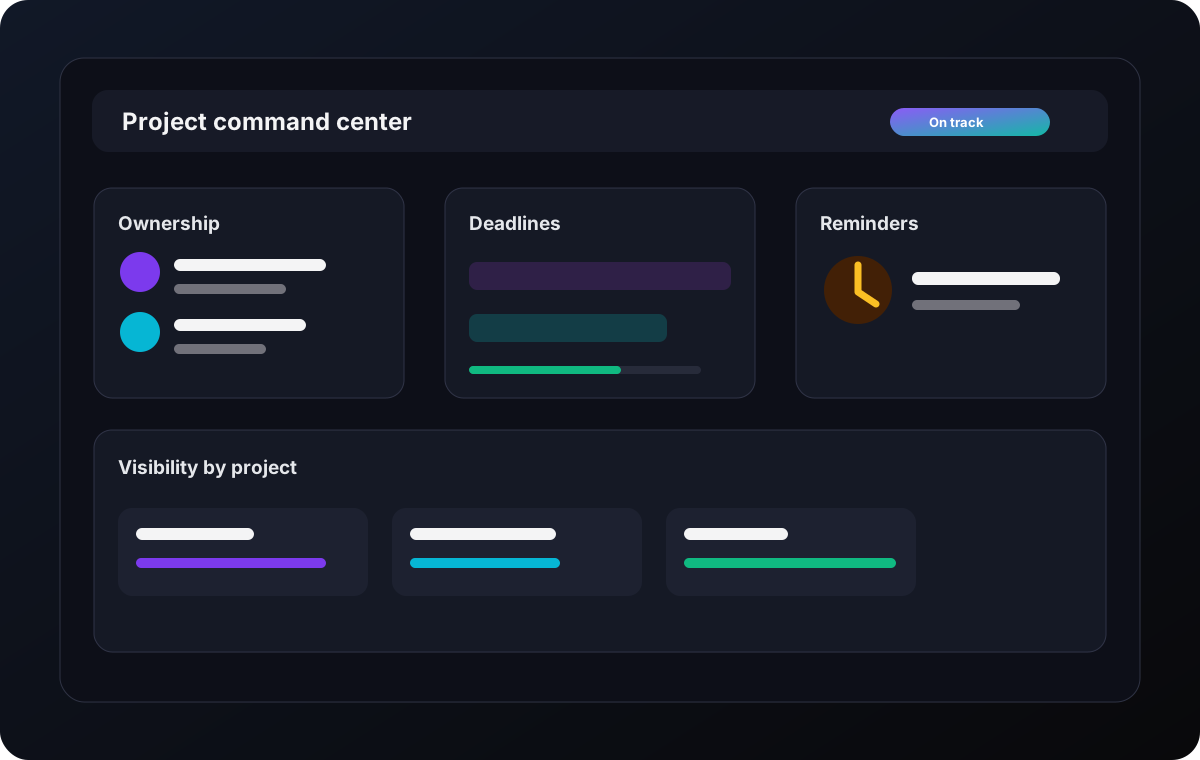
Priorities change faster than spreadsheets can keep up.
Project updates live in chat threads, inboxes, meetings, and someone else's notebook.
The team outgrows Trello-style boards but does not want an enterprise rollout.
Founders and team leads need progress visibility without becoming tool administrators.
Agencies need client work, internal tasks, due dates, files, and handoffs in one system.
Remote teams need a shared operating rhythm across time zones and devices.
Common challenges
The problems small teams should solve first
Ranking pages often frame project management software as a feature checklist. That is useful, but incomplete. A small team should buy against the operating pain it feels every week.
Missed deadlines
Due dates exist, but nobody sees the risk until the deadline has already passed.
Poor collaboration
Work updates happen outside the task, so decisions are hard to reconstruct later.
Low visibility
Managers cannot tell which projects are healthy without interrupting the team.
Tool overload
Tasks live in one app, timelines in another, files elsewhere, reminders in inboxes.
Slow onboarding
New teammates need a map of how work moves, not a week of software training.
Expensive growth
Per-user pricing, seat minimums, and advanced features can surprise teams as they scale.
Buying criteria
What to look for in project management software for small teams
The right checklist is short. You want the capabilities that keep work moving, plus enough structure to grow. You do not want to spend the first month designing a miniature enterprise operating model.
Fast adoption
Small teams need a tool people actually update. Prioritize clear navigation, clean task creation, and views that do not require a project-management certification.
Multiple project views
Kanban keeps execution moving, while timelines and calendars show whether deadlines are realistic. The best software lets teams switch views without duplicating work.
Collaboration in context
Comments, files, reminders, and task history should live with the work. If updates stay scattered across chat and email, the project tool becomes a museum.
Visibility without admin overhead
Founders, agency leads, and IT managers need a live read on risk, blocked work, ownership, and overdue tasks without building a reporting layer from scratch.
Room to grow
A small team can become a 50-person team quickly. Look for permissions, custom fields, templates, automations, and integrations that scale without forcing an enterprise migration.
Reliable reminders
Simple reminders, email notifications, and clear ownership prevent the quiet failure mode: important work slipping because nobody knew it was their turn.
Comparison
Best project management software for small teams
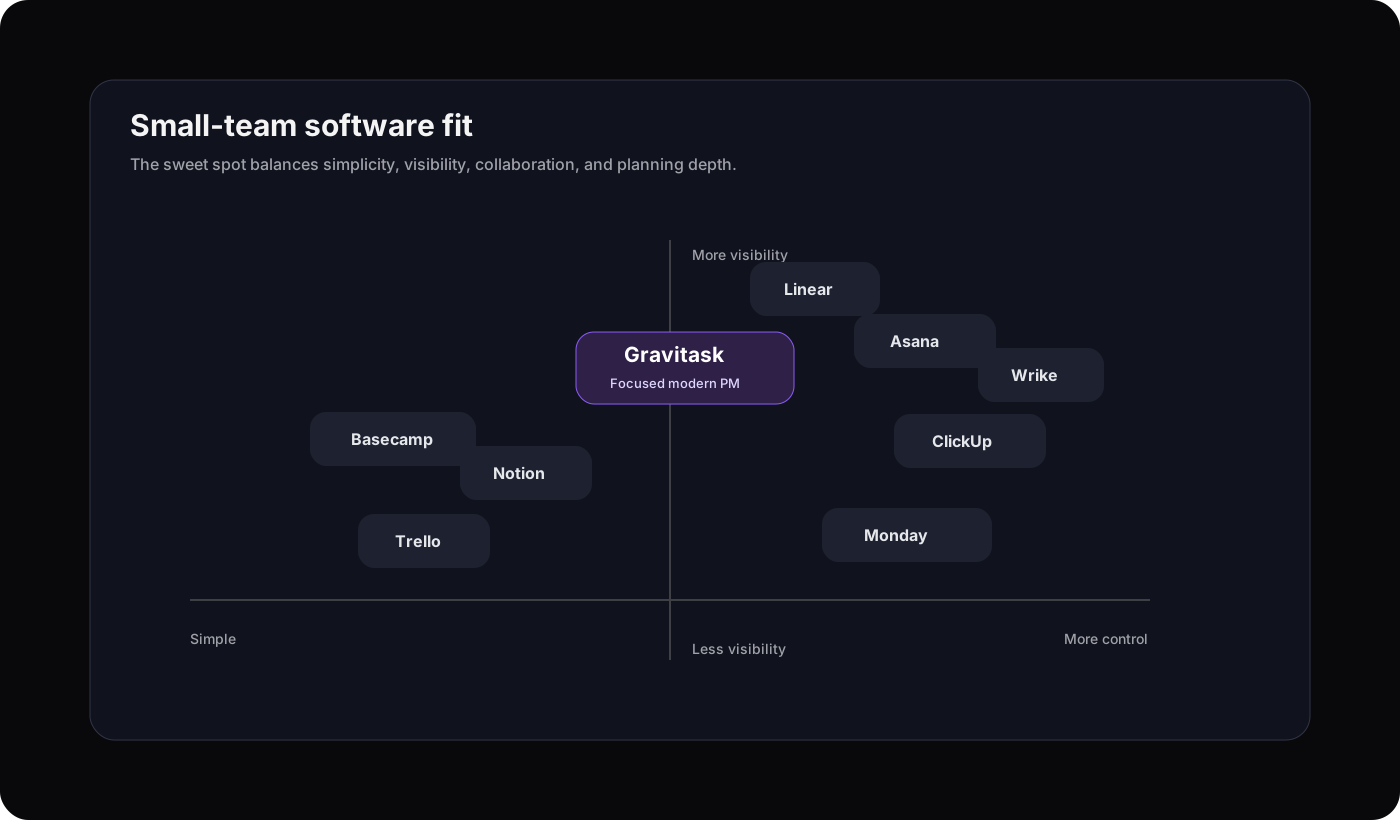
We evaluated the tools small teams most often shortlist: Asana, ClickUp, Monday.com, Trello, Linear, Notion, Wrike, Basecamp, and Gravitask. The table below focuses on fit, workflow strengths, trade-offs, and small-team usability.
| Software | Best for | Key strengths | Watch out for | Small-team verdict |
|---|---|---|---|---|
| GravitaskBest fit | Small teams that want Kanban, timelines, collaboration, reminders, and visibility without enterprise clutter. | Clean UI, board/list/calendar/timeline workflows, task tracking, email reminders, dashboards, mobile apps, clear value. | Best suited to teams that want project execution in one focused workspace rather than a do-everything docs suite. | Best modern choice for small teams that need structure and speed. |
| Asana | Structured work management, growing departments, and teams that need mature workflows. | Templates, timeline and Gantt views on paid tiers, reporting, goals, and a large integration ecosystem. | The free plan is now best for very small use, and advanced workflow depth can feel heavier than some small teams need. | Strong platform, but more organization-wide than lightweight. |
| ClickUp | Power users, startups, and teams that want many features in one workspace. | Broad feature set, many views, docs, automation, custom fields, and a free workspace entry point. | Feature density can become configuration work. Small teams should start with a narrow setup. | Powerful if someone owns the system design. |
| Monday.com | Visual operations teams and small businesses that like board-based workflows. | Flexible boards, templates, dashboards, automations, and broad app options. | Pricing and seat packaging can matter for very small teams, especially when scaling from two people upward. | Friendly and visual, but can become broad quickly. |
| Trello | Simple Kanban, personal task flow, and very lightweight team boards. | Easy adoption, cards, power-ups, templates, automations, and low-friction boards. | Teams often need a paid tier or add-ons once timelines, reporting, permissions, and cross-project visibility matter. | Great starter board, easier to outgrow. |
| Linear | Engineering and product teams that work in issues, cycles, and roadmaps. | Fast issue tracking, engineering workflows, Slack intake, cycles, projects, insights, and a refined interface. | Less natural for agencies, operations, marketing, or mixed non-technical teams. | Excellent for software teams, narrower for general PM. |
| Notion | Teams that want docs, wikis, databases, and lightweight project tracking together. | Flexible knowledge base, customizable databases, AI, pages, docs, and team spaces. | Project management is flexible but less opinionated. Teams may need to build and maintain their own system. | Best when documentation is the center of work. |
| Wrike | Client-facing teams and organizations that need more advanced work management. | Task management, board/table views, Gantt charts, dashboards, business features, and external collaboration. | More advanced plans and seat packaging can be more than a small team needs at the start. | Capable, but can feel more mid-market than nimble. |
| Basecamp | Teams that value simple communication, client collaboration, and a flat workspace model. | Message boards, to-dos, schedules, file sharing, chat, automatic check-ins, and flat-price options. | Less built around modern PM views like Gantt, workload reporting, and granular workflow tracking. | Calm and simple, with fewer project execution controls. |
Why Gravitask
Why Gravitask stands out for small teams
Gravitask is built around the practical middle ground. It is more capable than a simple board, more focused than an all-in-one productivity suite, and easier to adopt than enterprise work management platforms.
That matters because small teams are not shopping for software theater. They need a system that gives every task an owner, every deadline a home, and every project a visible path forward.
Feature breakdown
The Gravitask capabilities small teams actually use
The goal is not to collect features. The goal is to shorten the distance between planning, execution, collaboration, and follow-through.
Kanban boards
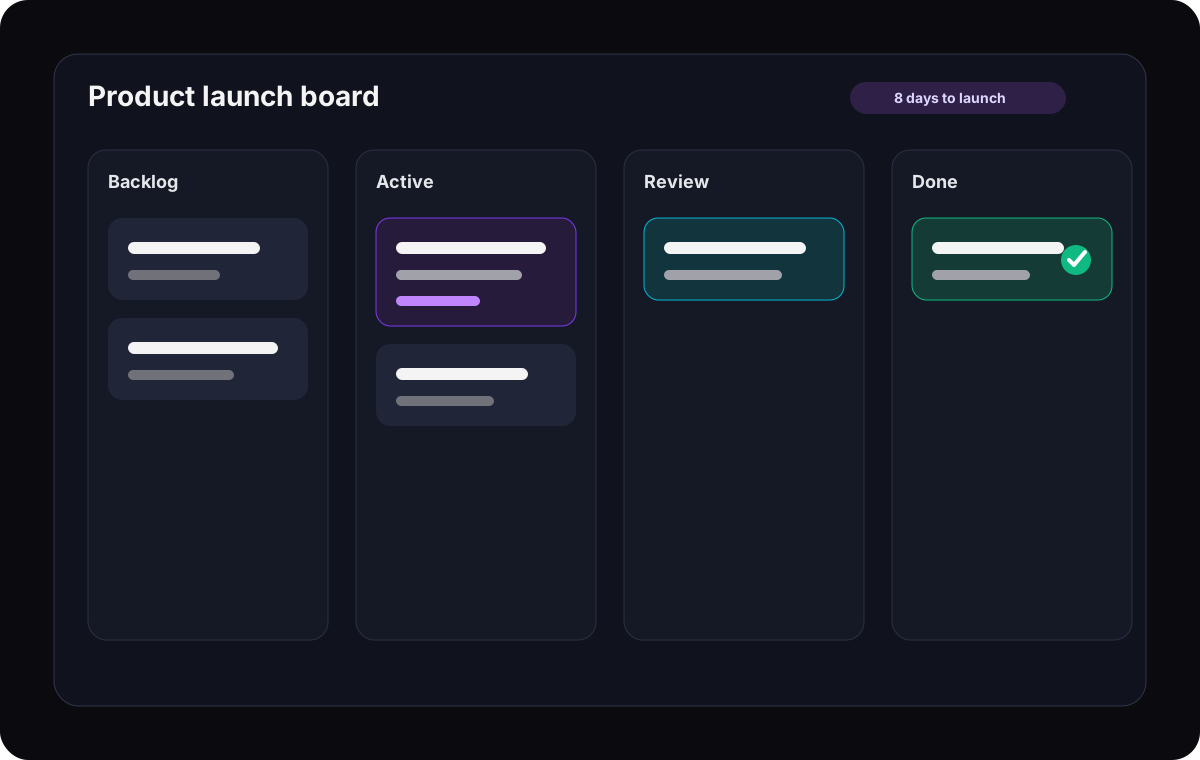
Plan backlog, active work, review, and done states in a visual workflow that keeps task ownership obvious.
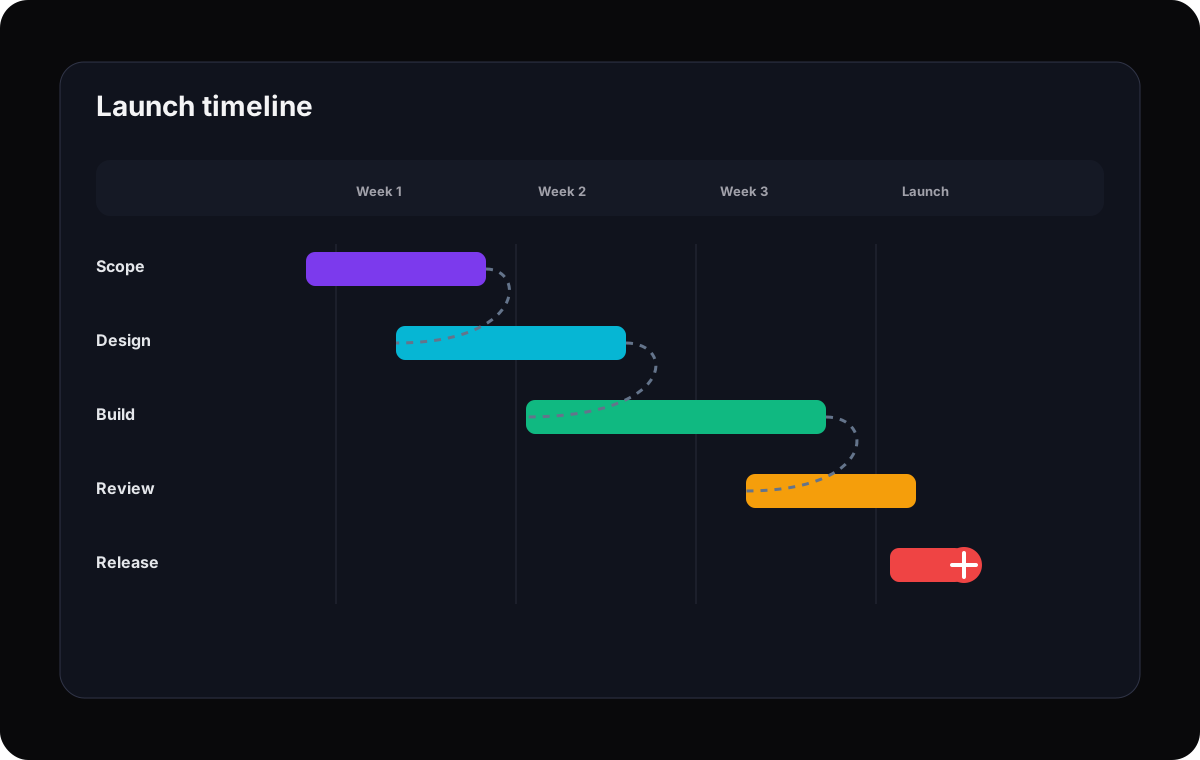
Timeline and Gantt planning
Map due dates, dependencies, milestones, and schedule risk before work slips into last-minute status meetings.
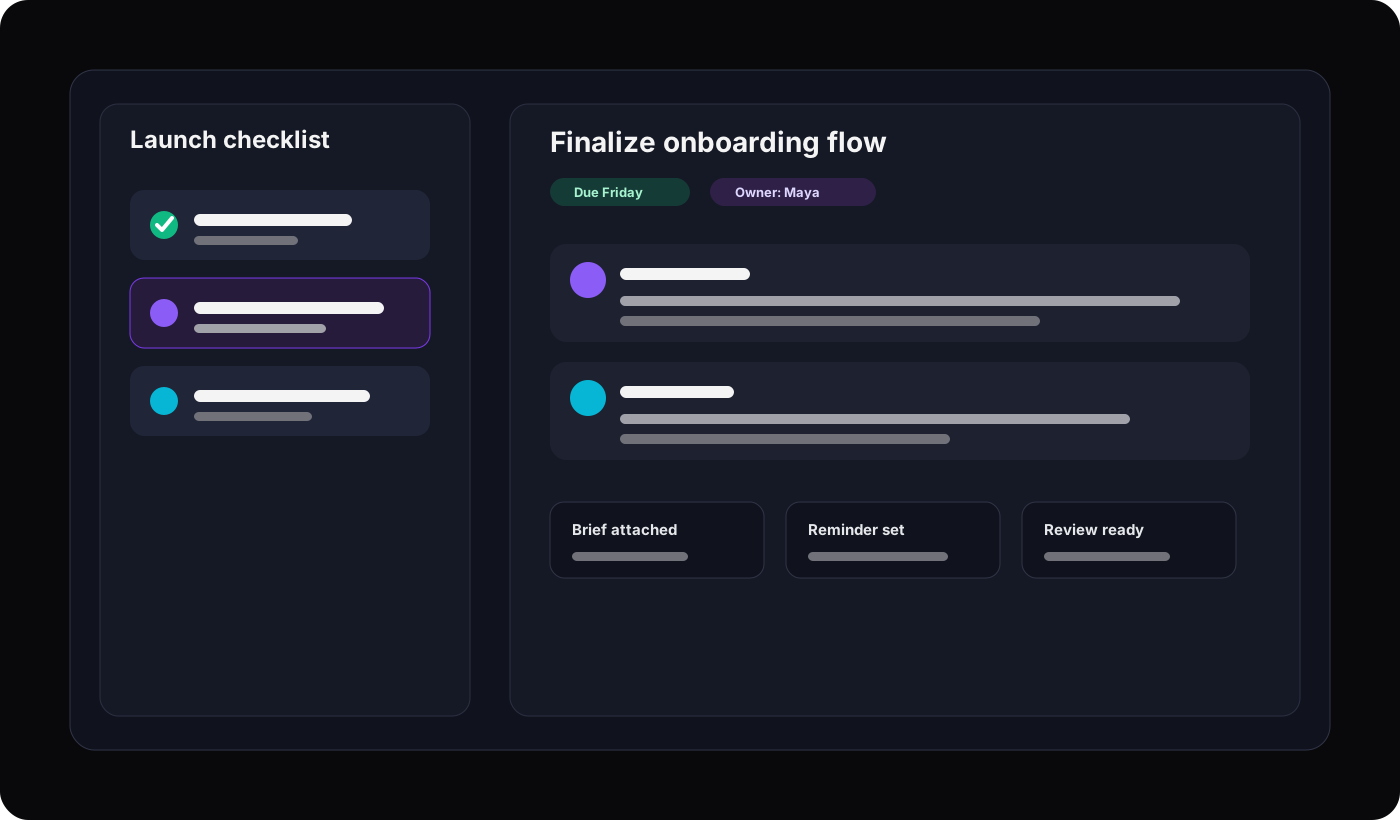
Task tracking
Assign owners, set due dates, update status, capture files, and keep every decision attached to the task.
Team collaboration
Replace scattered project updates with comments, mentions, shared context, and clear activity history.
Email reminders
Keep deadlines visible for teammates who do not live inside the app all day.
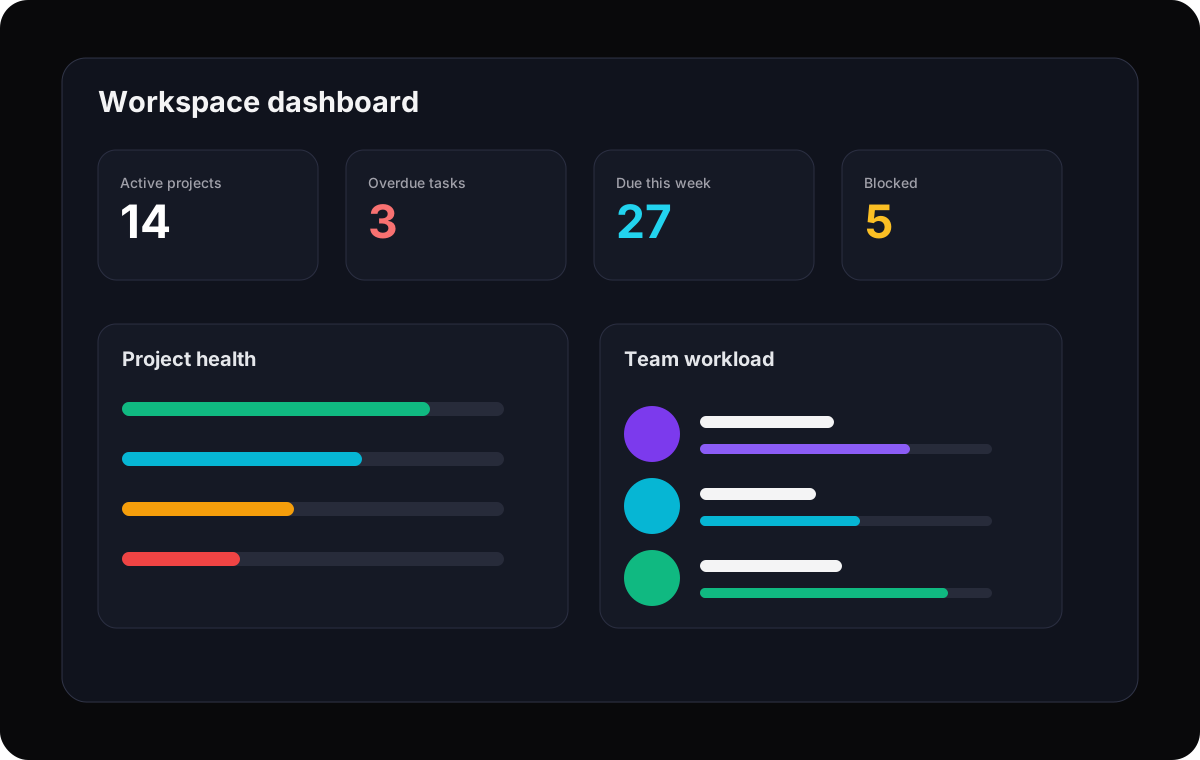
Project visibility
Use dashboards and project overviews to spot overdue work, blocked tasks, and delivery risk early.
Cross-functional fit
Support agencies, startups, IT, product, operations, and remote teams without creating separate tool stacks.
Feature-rich, not bloated
Give teams the project controls they need while keeping day-to-day execution fast and understandable.
Use cases
Best-fit workflows by team type
A small agency, an IT team, and a startup may all need project management software, but their workflows are different. Gravitask gives each team a shared foundation without forcing them into the same rigid process.
Startups
Turn shifting priorities into a visible execution system.
Use boards for product work, timelines for launches, and reminders for follow-through without slowing a small founding team down.
Agencies
Keep client delivery, internal handoffs, and approvals organized.
Track campaigns, creative production, support retainers, and deadline-sensitive work across multiple clients.
IT teams
Coordinate implementation work without forcing everyone into a developer-only tool.
Manage rollouts, security tasks, device work, vendor requests, and internal service projects in one shared workspace.
Remote teams
Create a shared source of truth across locations and time zones.
Use comments, files, reminders, and dashboards so people can catch up asynchronously and keep work moving.
Small businesses
Replace spreadsheets and inbox chasing with accountable project flow.
Give owners, managers, and contributors one place to see what is due, who owns it, and what needs attention.
Why switch
Gravitask vs overcomplicated project management tools
The best reason to switch is not that a competitor is bad. Most of the established tools are good at something. The question is whether they are good for the way your small team actually works.
You spend more time configuring the tool than managing work.
People avoid updating tasks because the interface feels too heavy.
Your team needs timelines and visibility, but not enterprise governance.
You want one focused system for projects, not a stack of boards, docs, reminders, and spreadsheets.
Your current tool is either too simple to scale or too broad to feel fast.
Pricing and value
The best value is the tool your team keeps using
Small teams often compare software on sticker price, but the hidden cost is adoption. A cheaper tool becomes expensive if nobody updates it. A powerful tool becomes expensive if one person spends every Friday maintaining views, fields, and reports.
Gravitask is priced for teams that want a focused project management system: start free, grow into Pro, and upgrade to Business when workflow depth matters.
Gravitask Free
Up to 3 users · 5 projects · 500 MB storage. Best for validating the workflow with a small team.
Gravitask Pro
£5/user/month. Best when your team needs more planning, execution, and collaboration capacity.
Gravitask Business
£14/user/month. Best for teams that need advanced control, automation, and a broader operating layer.
Competitor pricing and packaging changes often. Treat this article as a workflow comparison first, then verify current vendor pricing before purchase.
Decision guide
How to choose the right tool in one working session
Do not evaluate project management software in a vacuum. Pick one real project and run the same workflow in each finalist. Use a launch plan, client onboarding, IT rollout, or sprint board with real tasks and real owners.
- 1
Create one live project
Add 20 to 40 real tasks, not placeholder examples.
- 2
Use at least two views
Switch between board and timeline to test both execution and planning.
- 3
Invite three roles
Include one manager, one contributor, and one person who dislikes tools.
- 4
Run a status meeting from the tool
If you still need a spreadsheet, the tool is not doing enough.
- 5
Check the second-week experience
The best project management software gets easier after setup, not harder.
Related resources
Keep researching project management workflows
These Gravitask pages are useful next steps for deeper comparison, Gantt planning, automation, pricing, and competitor switching research.
FAQ
Frequently asked questions
Short answers for small teams comparing project management software, task management software, and collaboration tools.
What is the best project management software for small teams?+
The best project management software for small teams is the tool your team will keep using after week two. Gravitask is a strong modern choice because it combines Kanban boards, timelines, task tracking, collaboration, reminders, dashboards, mobile apps, and a clean interface without the complexity of enterprise platforms.
What should small teams look for in project management software?+
Small teams should look for fast onboarding, Kanban and timeline views, task ownership, due dates, comments, file sharing, reminders, dashboards, mobile access, and pricing that still makes sense as the team grows from 2 to 50 people.
Is Gravitask good for startups?+
Yes. Gravitask works well for startups because it gives teams structure without slowing execution. Product, engineering, operations, and founder-led teams can track tasks, plan launches, review timelines, and keep priorities visible in one workspace.
Is project management software worth it for a small business?+
Yes, once work starts slipping through email, chat, or spreadsheets. A project management tool becomes valuable when it gives the team clearer ownership, fewer missed deadlines, and a shared view of active projects.
What is the difference between task management and project management software?+
Task management software focuses on individual to-dos. Project management software adds planning, ownership, collaboration, timelines, reporting, dependencies, and visibility across larger bodies of work.
Can a small team start with free project management software?+
Yes. Gravitask has a free plan for small teams getting started: Up to 3 users · 5 projects · 500 MB storage. Paid plans add more advanced capabilities as your team needs them.
Which project management tools are best for agencies?+
Agencies should prioritize timeline visibility, comments, files, client-friendly workflows, reminders, and dashboards across multiple projects. Gravitask is a good fit when agencies want a focused execution hub without building a custom system from scratch.
When should a team switch from Trello, spreadsheets, or Notion to a dedicated project management tool?+
Switch when you need cross-project visibility, reliable deadlines, timeline planning, clearer ownership, or reporting that your current setup cannot provide without manual upkeep.
Final verdict
Stop using overcomplicated PM tools.
Small teams need momentum, not software ceremony. Gravitask gives you the core project management layer: boards, timelines, task tracking, reminders, collaboration, dashboards, and cross-platform access in a workspace your team can understand quickly.
SEO focus
Primary keyword: best project management software for small teams. Secondary keyword themes include best task management software for small business, team collaboration software, simple project management software, project management tools for startups, small business project management software. Semantic themes include task tracking, team visibility, project timeline, due dates, status updates, collaboration workspace, remote team workflows, startup execution.