Quick answer
The best project management software for product teams connects roadmap decisions to sprint execution, task ownership, deadline tracking, and cross-functional collaboration. For teams that want a clean modern workspace without enterprise bloat, Gravitask is the best place to start.
Product-team reality
Why product teams need dedicated project management software
Product work is not just a backlog. It is discovery, prioritisation, design, engineering, release coordination, stakeholder updates, and follow-up after launch. When those pieces live in disconnected tools, the roadmap looks cleaner than reality.
A good product project management system turns strategy into visible execution. Product managers can see what matters, engineering can see what is ready, design can see what needs input, and leadership can see whether delivery is on track.
The roadmap looks sensible, but sprint work tells a different story.
Product, engineering, design, and GTM teams each keep their own version of the plan.
Sprint planning turns into negotiation because priorities, blockers, and capacity are unclear.
Feature work slips when dependencies live in chat, docs, or someone else's memory.
Enterprise tools offer every workflow setting imaginable, but the team only needs clarity and momentum.
Remote teams need async context that survives beyond standups and Slack threads.
Common challenges
The product execution problems software should solve
Top-ranking product-team pages usually talk about roadmaps, sprints, collaboration, and visibility. The real buying question is sharper: where does your product process lose signal?
Poor roadmap visibility
The team knows what is shipping this sprint but not how it connects to the bigger product plan.
Sprint planning chaos
Backlog grooming, scope negotiation, and capacity planning happen without enough shared context.
Weak product-engineering handoff
Engineering gets tasks that lack decisions, design context, acceptance notes, or dependency clarity.
Missed deadlines
Dates slip because blockers and cross-team dependencies are discovered too late.
Too many disconnected tools
Roadmaps, tasks, docs, bugs, reminders, and updates live in different places.
Low accountability
Everyone has opinions on priority, but ownership and next actions are unclear.
Buying criteria
What to look for in PM software for product organizations
Product teams do not need a tool that only creates a beautiful roadmap. They need software that helps the team make progress after roadmap decisions are made.
Backlog-to-board flow
Product teams need a clean path from idea to scoped task to active delivery. The board should show ownership, status, priority, and next action without manual reporting.
Sprint planning support
Look for sprint-friendly workflows: backlog review, task assignments, estimates or effort signals, due dates, and a reliable way to see what moved between planning and review.
Roadmap and timeline visibility
A product roadmap is only useful if execution can be traced back to it. Timelines, dependencies, and milestones help teams see delivery risk early.
Cross-functional collaboration
Product, engineering, design, support, and leadership need context in one place: decisions, files, comments, status, and blockers attached to the work.
Execution visibility
Dashboards and project views should make progress, overdue work, blockers, and handoffs clear without asking product managers to build spreadsheet reports.
Simple adoption
The best product tool is not the most configurable one. It is the one a busy product team can adopt quickly and keep current through real launches.
Comparison
Best project management software for product teams
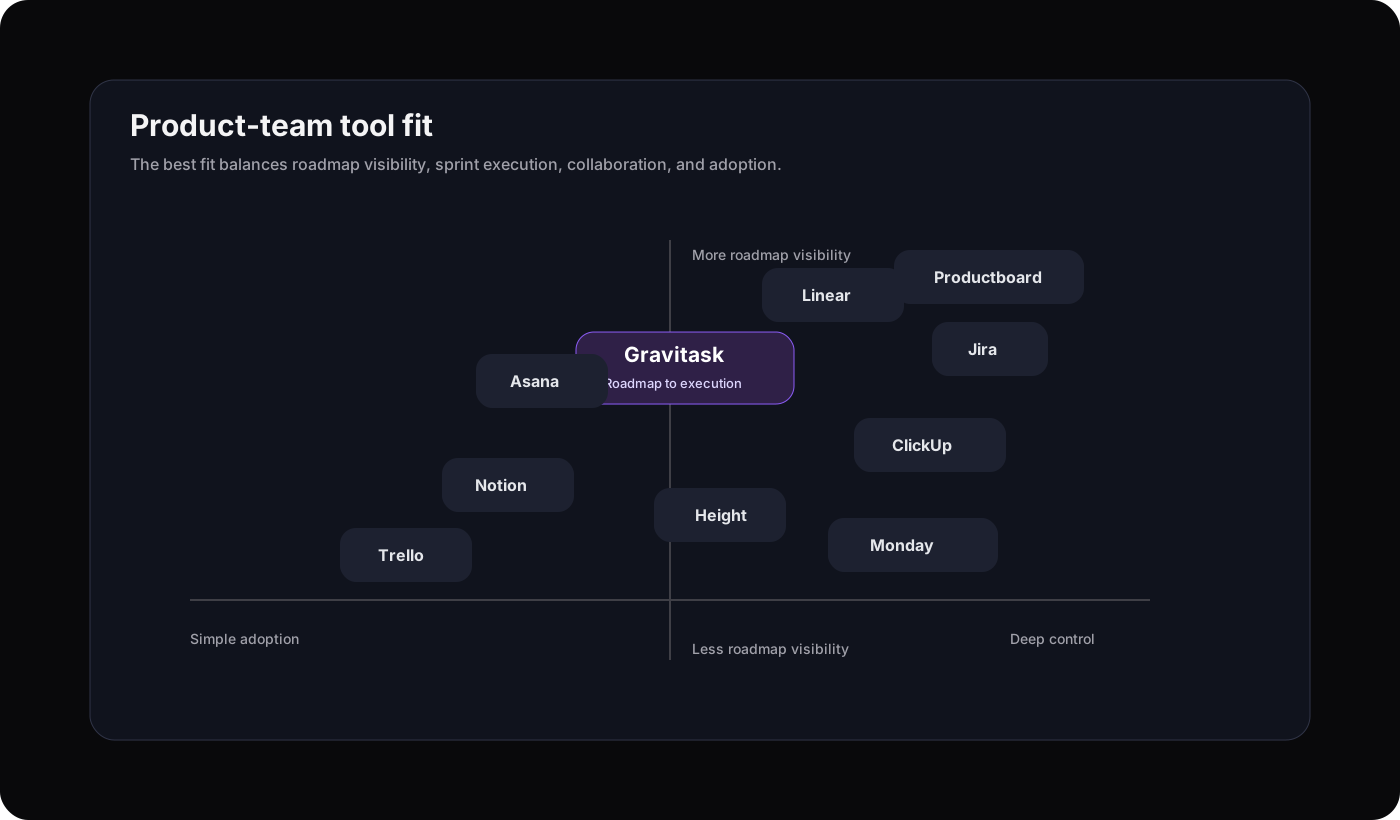
We evaluated the tools product teams most often shortlist: Linear, Jira, Asana, ClickUp, Monday.com, Notion, Trello, Height, Productboard, and Gravitask. Height is included as a migration reference because it announced a September 24, 2025 service shutdown. The comparison below focuses on execution fit, collaboration, sprint workflows, roadmap visibility, and small-team adoption.
| Software | Best for | Key strengths | Watch out for | Product-team verdict |
|---|---|---|---|---|
| GravitaskBest fit | Product teams that want roadmap-to-execution clarity without Jira-level complexity or all-in-one clutter. | Kanban boards, timelines, Gantt views, task tracking, collaboration, email reminders, dashboards, mobile apps, and clean cross-platform execution. | Best for teams that want project execution and delivery visibility in one focused workspace, not a full customer-feedback discovery suite. | Best modern choice for product teams that need speed, clarity, and adoption. |
| Linear | Engineering-led product teams that live in issues, cycles, roadmaps, and fast developer workflows. | Fast issue tracking, cycles, projects, roadmaps, customer requests, Git integrations, and a refined interface for software teams. | Can feel narrow when projects involve broader operations, approvals, non-technical stakeholders, or client-style delivery. | Excellent for engineering execution, less universal for cross-functional product work. |
| Jira | Agile software teams that need scrum, kanban, backlogs, releases, reporting, and deep configurability. | Agile boards, backlogs, roadmaps, reports, custom workflows, marketplace integrations, and mature software delivery controls. | Powerful configuration can become admin overhead, especially for startups and teams that want a cleaner workflow. | The heavyweight agile standard, but not always the fastest to adopt. |
| Asana | Product and cross-functional teams that need launches, product roadmaps, status updates, portfolios, and automation. | Product templates, roadmap planning, timeline views, critical-path visibility, automation, portfolios, and stakeholder updates. | More general work management than engineering-native issue tracking. Technical teams may still pair it with dev tools. | Strong for product launches and business alignment. |
| ClickUp | Teams that want docs, tasks, sprints, roadmaps, whiteboards, and AI in one broad workspace. | Many views, product templates, sprint tools, docs, dashboards, custom fields, automations, and integrations. | The feature surface can be dense. Product teams should define a narrow operating model before rolling it out. | Powerful and broad, with setup discipline required. |
| Monday.com | Visual product organizations using monday dev for roadmaps, sprint management, bugs, and release workflows. | Roadmap planning, sprint boards, capacity planning, automations, dashboards, and flexible visual workflows. | Flexibility can feel spreadsheet-like if the workspace is not designed carefully. | Useful for visual teams that want product lifecycle workflows in one platform. |
| Notion | Product teams that want docs, PRDs, roadmaps, databases, and lightweight project tracking together. | Flexible pages, databases, product docs, roadmap systems, wikis, and collaborative planning. | Execution workflows are less opinionated. Teams often need conventions to prevent roadmap databases from drifting. | Best when product documentation is the centre of work. |
| Trello | Simple product boards, lightweight roadmaps, and teams that want low-friction Kanban. | Boards, cards, lists, templates, power-ups, mobile apps, and easy adoption. | Can become limiting for multi-project visibility, dependencies, timeline planning, and sprint reporting. | Great starter board, easier to outgrow. |
| Height (discontinued) | Historical comparison for teams evaluating migration paths from AI-assisted project management tools. | Height was known for tasks, projects, documents, team collaboration, and AI-oriented project management ideas. | Height announced that its final day of service was September 24, 2025, so teams should not shortlist it as a 2026 buying option. | Useful as a reference point for AI-forward workflow ideas, not an active 2026 vendor choice. |
| Productboard | Product discovery, feedback centralisation, prioritisation, and stakeholder roadmaps. | Customer feedback, prioritisation frameworks, insights, objectives, features, and roadmaps. | Often complements execution tools rather than replacing the team's sprint and task management layer. | Excellent for discovery and prioritisation, less focused on day-to-day delivery execution. |
Why Gravitask
Why Gravitask stands out for product teams
Gravitask sits in the practical middle: more structured than a simple Kanban board, cleaner than heavyweight agile systems, and more execution-focused than docs-first workspaces.
Product teams can plan the work, track ownership, discuss decisions, see timelines, monitor blockers, and keep everyone aligned without forcing every teammate into a complicated process.
Sprint planning
Sprint planning should clarify scope, not create admin work
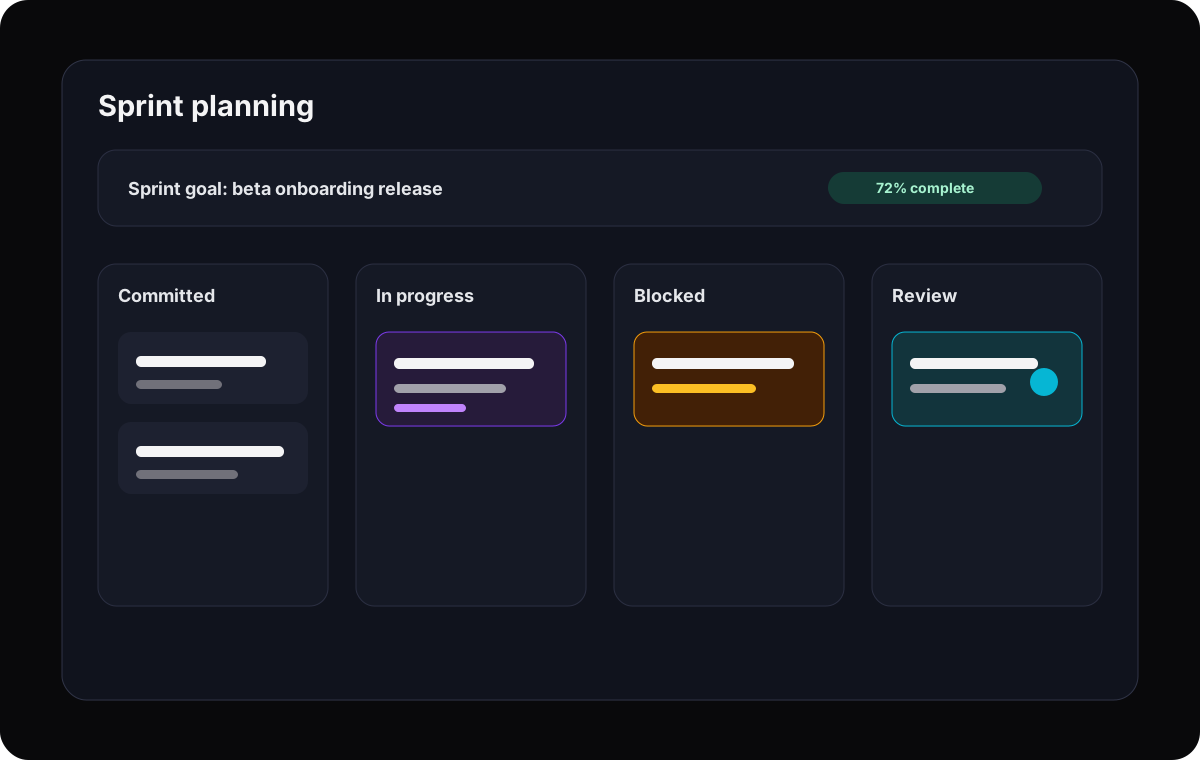
Product teams need sprint planning that is easy to read: what is committed, why it matters, who owns it, and what could block delivery. The process should help product and engineering make better trade-offs, not bury them under workflow rules.
Plan the sprint from real tasks
Move scoped product work into the sprint without duplicating roadmap items elsewhere.
Make blockers obvious
Use status, comments, and reminders so stuck work does not hide until review.
Keep product and engineering aligned
Attach decisions, requirements, design context, and next steps directly to the task.
Review with evidence
Use task history and dashboards to see what shipped, what slipped, and what needs attention next.
Collaboration
Product, engineering, and design need shared context
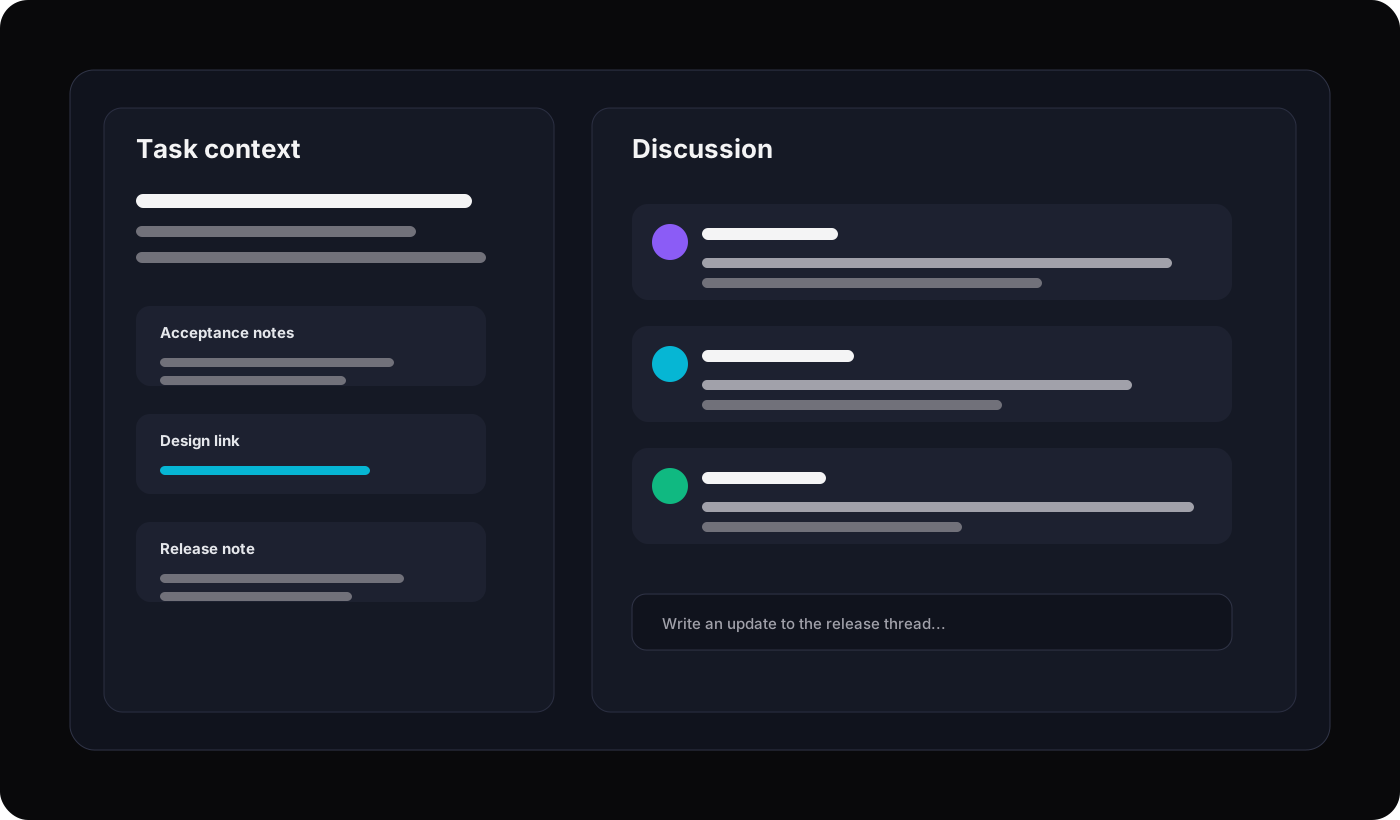
The best product teams do not treat collaboration as a meeting format. They make context durable: requirement notes, design decisions, engineering questions, release risks, and stakeholder updates stay connected to the work.
Roadmaps and visibility
Roadmaps only matter if the team can execute them
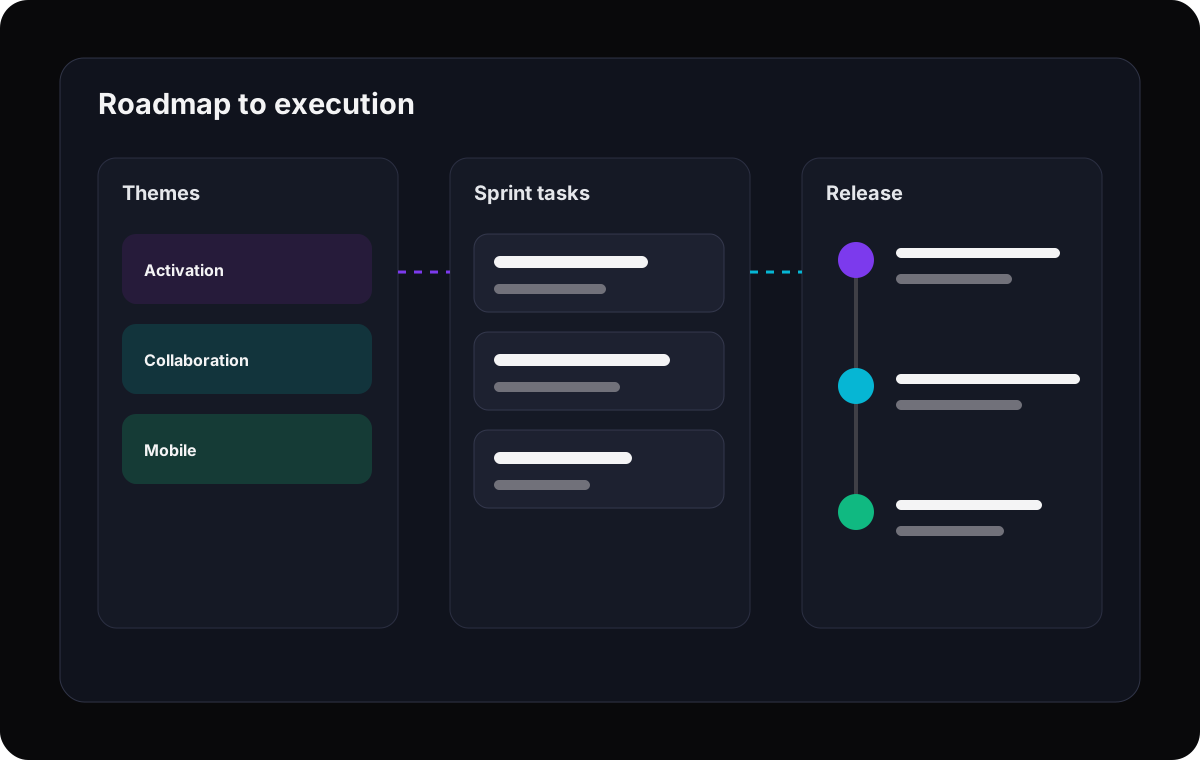
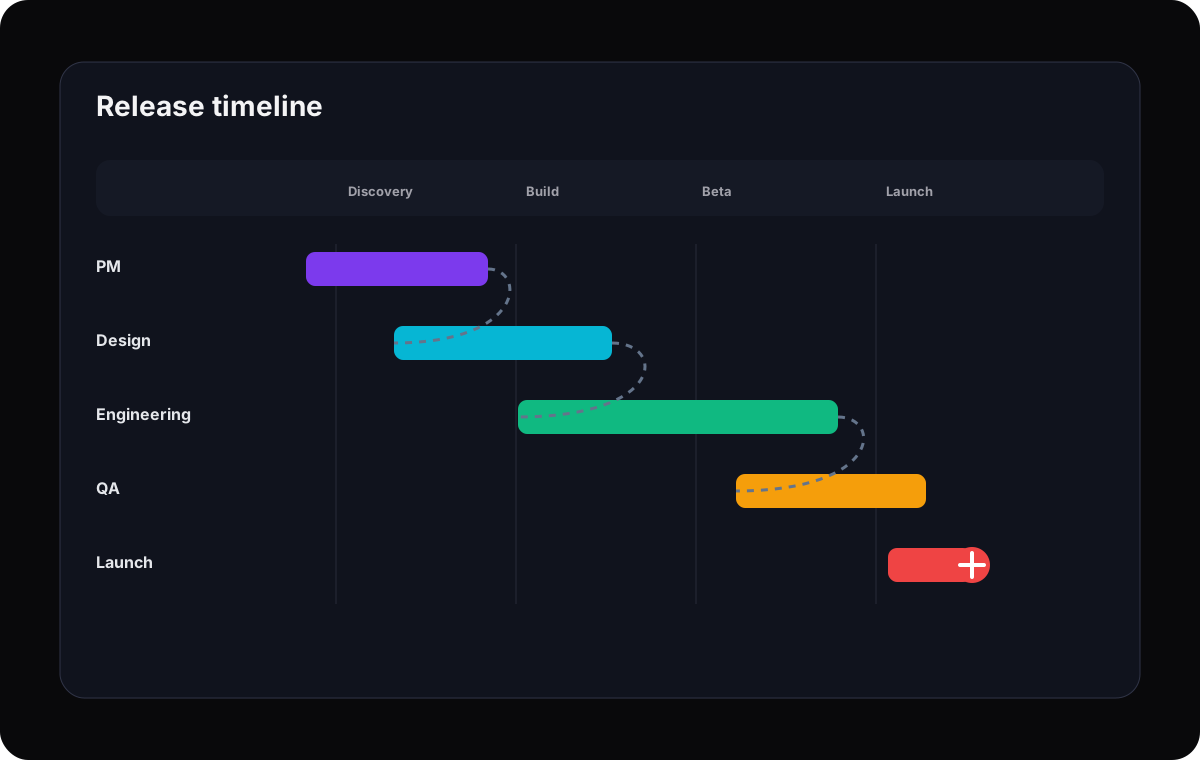
A roadmap gives direction. A project management system turns that direction into sequenced, assigned, trackable work. Gravitask helps product teams connect releases, milestones, dependencies, due dates, and delivery status in the same operating rhythm.
Roadmap intent
Translate product bets into projects and milestones.
Delivery plan
Break initiatives into tasks, owners, dates, and dependencies.
Execution signal
Use dashboards and reminders to keep progress visible.
Use cases
Best-fit workflows by product team type
Product work changes by company stage and team shape. Gravitask gives each team a shared execution foundation without forcing the same rigid process.
Startup product teams
Move from roadmap decisions to execution without adding process weight.
Track features, bugs, release tasks, launch work, and founder-driven priorities in one workspace that stays understandable.
Product managers
Turn roadmap commitments into accountable task flow.
Use tasks, timelines, and dashboards to answer what is planned, what is active, what is blocked, and who owns the next move.
Product owners
Keep backlog, sprint work, and stakeholder updates aligned.
Give engineering enough detail to execute while keeping non-technical stakeholders out of the issue-tracker weeds.
SaaS product organizations
Coordinate roadmap, delivery, release, and support follow-up across functions.
Use shared project visibility to connect product, engineering, design, marketing, and customer-facing teams.
Remote product teams
Reduce status meetings by making work readable asynchronously.
Keep comments, files, owners, reminders, and delivery status available across locations and time zones.
Remote, reminders, and mobile
Product work keeps moving between meetings
Remote product teams need tools that work between ceremonies. Gravitask keeps deadline tracking, reminders, comments, task ownership, and project visibility available across desktop, web, and mobile.
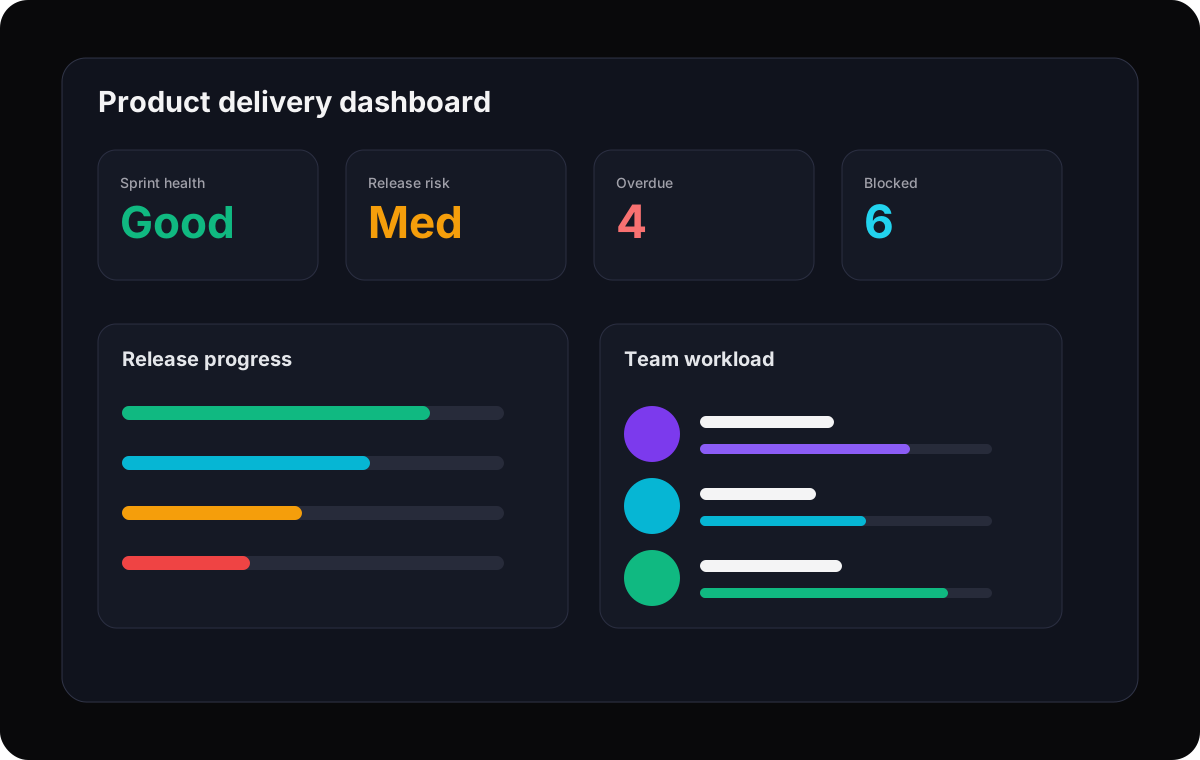
Remote team clarity
Asynchronous comments and task history reduce meeting dependency.
Workflow reminders
Email reminders keep due dates and follow-ups visible.
Mobile updates
PMs can capture, check, and respond to work while moving between customer, design, and leadership conversations.
Cross-platform support
The team can work across web, desktop, and mobile without losing context.
Why switch
Why product teams switch from overcomplicated tools
Jira, Linear, Asana, ClickUp, and Productboard all solve real problems. The reason to switch is not that those tools are bad. It is that your team may need a cleaner execution layer that everyone can read and keep current.
Your team spends more time maintaining Jira workflows than clarifying product work.
Your roadmap lives in one tool while sprint execution lives somewhere else.
Engineering understands the issue tracker, but design, product, and leadership avoid it.
Your product team needs timelines and accountability, not a sprawling productivity suite.
You want clean product delivery visibility without building dashboards from scratch.
Feature breakdown
The Gravitask capabilities product teams actually use
A product team does not need software theatre. It needs a dependable way to plan, discuss, assign, track, and ship.
Kanban boards
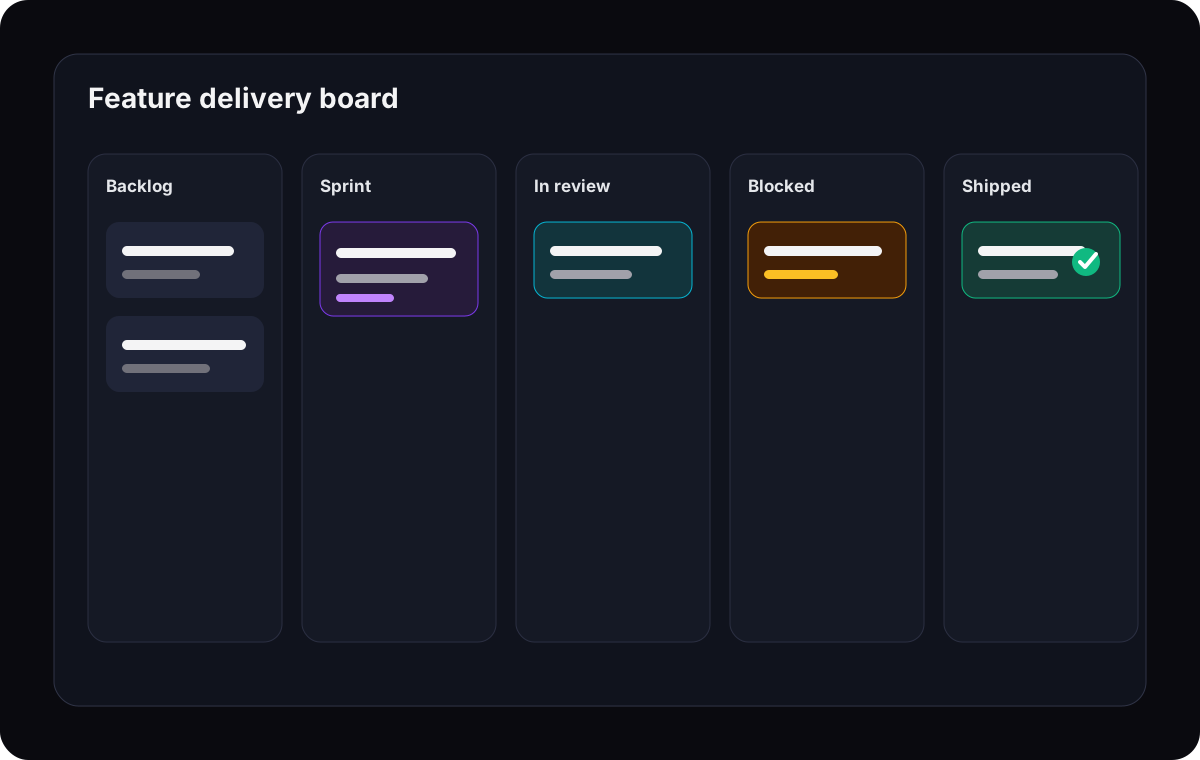
Visualise backlog, current sprint, review, blocked work, and done states without turning the board into a maze.
Timeline and Gantt views
Connect milestones, dependencies, due dates, and delivery risk so product managers can see whether the plan is realistic.
Task tracking
Assign owners, set priorities, track due dates, attach context, and keep every execution detail close to the task.
Sprint planning
Use a practical sprint workflow that makes planned work, committed scope, and review-ready tasks visible to the whole team.
Team collaboration
Keep product decisions, design notes, engineering questions, and status updates attached to the work they affect.
Email reminders
Keep deadlines and follow-ups visible even when contributors are not living in the project tool all day.
Mobile productivity
Capture tasks, check status, and respond to updates from mobile when product work moves between meetings.
Focused workflows
Give teams enough structure to ship without the process drag that makes project tools feel like admin work.
Pricing and value
The right product tool should reduce coordination cost
Product teams often compare tools by user price, but the hidden cost is coordination: extra meetings, duplicate roadmap docs, manually updated status reports, and engineering time lost to unclear priorities.
Gravitask is designed as a focused product execution layer: start free, grow into Pro, and upgrade when your team needs deeper workflow control.
Gravitask Free
Up to 3 users · 5 projects · 500 MB storage. Best for validating product team workflows with a small group.
Gravitask Pro
£5/user/month. Best when product teams need more planning, execution, and collaboration capacity.
Gravitask Business
£14/user/month. Best for product organizations that need advanced workflow control and broader operating visibility.
Competitor pricing and packaging changes often. Treat this article as a workflow comparison first, then verify current vendor pricing before purchase.
Decision guide
How to choose the right product-team tool
Evaluate tools with one real initiative. Pick a feature or release that includes product, engineering, design, and a deadline. Then test whether the tool makes execution clearer after one working session.
- 1
Load one real roadmap item
Use an actual initiative, not sample tasks.
- 2
Break it into delivery tasks
Assign owners, due dates, dependencies, and acceptance notes.
- 3
Plan a sprint or delivery window
Check whether committed work, risk, and capacity are readable.
- 4
Run one async status update
See whether leadership can understand progress without a meeting.
- 5
Check second-week behaviour
The right tool should become easier to keep current after setup.
Related resources
Keep researching product delivery workflows
These Gravitask pages are useful next steps for comparing tools, planning timelines, evaluating alternatives, and improving project execution.
FAQ
Frequently asked questions
Short answers for product managers, product owners, agile teams, and startups comparing project management software.
What is the best project management software for product teams?+
The best project management software for product teams connects roadmap planning, sprint execution, task ownership, collaboration, and delivery visibility. Gravitask is a strong modern choice for product teams that want Kanban boards, timelines, sprint planning, reminders, dashboards, and clean adoption without enterprise complexity.
What should product managers look for in project management software?+
Product managers should look for roadmap visibility, backlog and sprint support, task assignments, due dates, comments, files, timeline views, dashboards, mobile access, and a workflow that product, engineering, and design can all understand.
Is Gravitask good for agile product teams?+
Yes. Gravitask supports agile product work through Kanban boards, practical sprint planning, task tracking, comments, reminders, timelines, and dashboards. It is especially useful for teams that want agile visibility without the configuration overhead of heavier tools.
How is product project management different from product roadmapping?+
Roadmapping explains what the product team plans to build and why. Project management handles how that work gets assigned, scheduled, tracked, discussed, and delivered. Product teams need both strategy visibility and execution accountability.
Can Gravitask replace Jira for product teams?+
For teams that need deep developer workflows, Jira may remain useful. For product teams that want cleaner task tracking, timeline visibility, collaboration, reminders, and broader cross-functional adoption, Gravitask can be a simpler alternative or a lighter execution layer.
Can Gravitask replace Productboard?+
Productboard is focused on product discovery, customer feedback, prioritisation, and roadmap alignment. Gravitask is focused on project execution, sprint planning, task tracking, collaboration, and delivery visibility. Some teams may use both, but Gravitask is the better fit for managing the work itself.
Does Gravitask work for remote product teams?+
Yes. Remote product teams can use Gravitask to keep owners, deadlines, comments, files, reminders, and project status visible asynchronously across desktop, web, and mobile.
Can a product team start for free?+
Yes. Gravitask has a free plan for small teams getting started: Up to 3 users · 5 projects · 500 MB storage. Teams can upgrade when they need more advanced workflow depth.
Final verdict
Ship products faster with less project-management drag.
Product teams need more than a backlog and less than an enterprise maze. Gravitask gives you boards, timelines, sprint planning, collaboration, reminders, dashboards, and cross-platform execution in a workspace your team can actually keep current.