Definition
What is client request intake software?
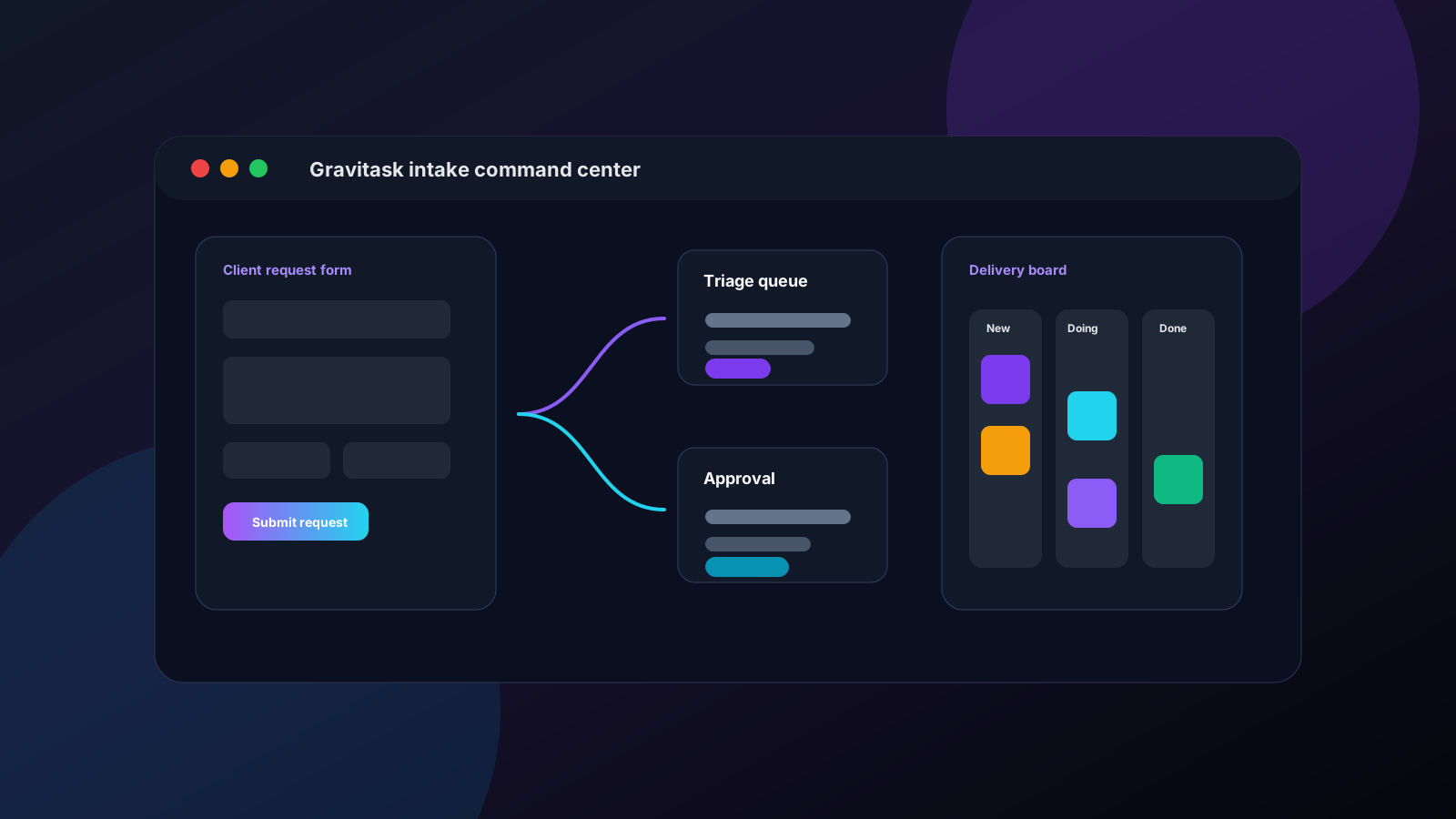
Client request intake software is a system for turning incoming requests into structured, trackable work. Instead of accepting vague asks across email, chat, calls, and spreadsheets, teams use forms and workflow rules to capture context, assign ownership, set deadlines, and follow the request through delivery.
The best tools do more than collect form responses. They connect intake to the work system: tasks, comments, files, custom fields, approvals, timelines, reminders, dashboards, and reporting.
Request intake in one sentence
It is the front door for new work: a controlled way to collect every client request, understand it, route it, and make it visible until completion.
- Intake forms replace scattered email threads.
- Mapped fields create tasks with useful context.
- Owners, priorities, and due dates make accountability explicit.
- Kanban and timeline views show where each request stands.
- Automation and reminders keep handoffs moving.
Workflow pain
Why teams struggle with incoming client requests
Client-facing work breaks down when intake is informal. The request may start as a Slack message, become a call note, get forwarded by email, and later reappear as a rushed deadline. By that point, the team is not managing demand. It is reacting to fragments.
Requests arrive through email, Slack, client calls, spreadsheets, and form tools, so nobody knows which source is the real queue.
Clients submit incomplete briefs, which creates back-and-forth before the team can even decide who should own the work.
Approvals happen in comments or meetings, then the decision is not connected to the task that delivery teams need to complete.
Managers cannot see the total volume of incoming work, so overloaded teams keep accepting new requests until deadlines slip.
Internal teams treat client requests like one-off favours instead of a repeatable workflow with intake, triage, delivery, review, and closure.
Service teams try to use enterprise ticketing systems for every request, even when the work is closer to project delivery than IT support.
Common problems
The real cost of an unstructured intake workflow
The biggest cost is rarely the request itself. It is the invisible coordination around it: finding the right context, deciding priority, chasing approvals, clarifying scope, checking capacity, and explaining status to the client.
Lost requests
A message gets buried, nobody owns it, and the client follows up before the team notices.
Poor prioritisation
Loud requests beat important requests because there is no shared scoring or review process.
Approval drag
Managers approve scope in a meeting, but the decision never lands where delivery happens.
Capacity blind spots
New work enters the queue without checking whether the team has room to deliver it.
Status anxiety
Clients ask for updates because the request system gives them no predictable next step.
Buying guide
What to look for in client intake software
The right tool depends on whether your requests are client deliverables, internal service tickets, onboarding tasks, creative briefs, product feedback, or operational approvals. Still, every serious intake platform should help with six core jobs.
Structured intake forms
Look for custom fields, required questions, email capture, templates, and field mapping so every request creates usable work rather than a vague note.
Routing and ownership
The tool should turn submissions into tasks with the right project, section, priority, due date, and owner so triage does not become another manual queue.
Workflow automation
Automations should notify the right people, move work through stages, apply labels, trigger follow-ups, and reduce repetitive request admin.
Access controls
Client-facing intake needs public links, private internal modes, domain restrictions, password protection, and clear plan controls where appropriate.
Delivery views
Intake is only half the workflow. Teams also need Kanban boards, lists, calendars, timelines, dashboards, and reporting to complete the work.
Workload visibility
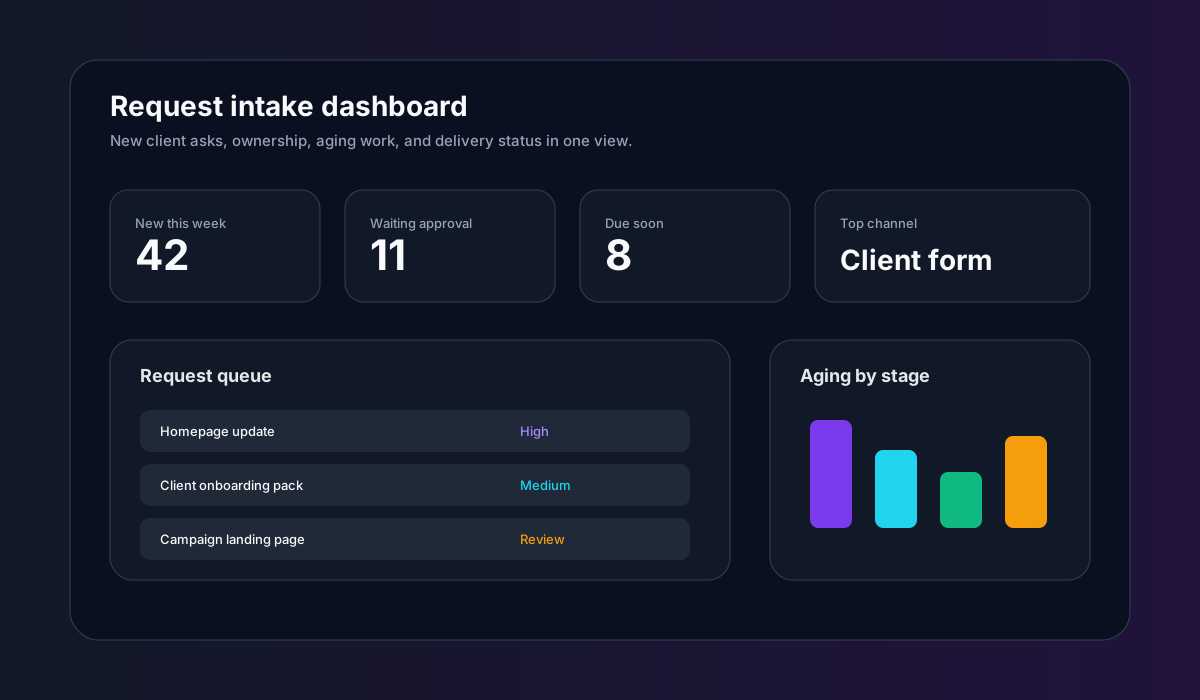
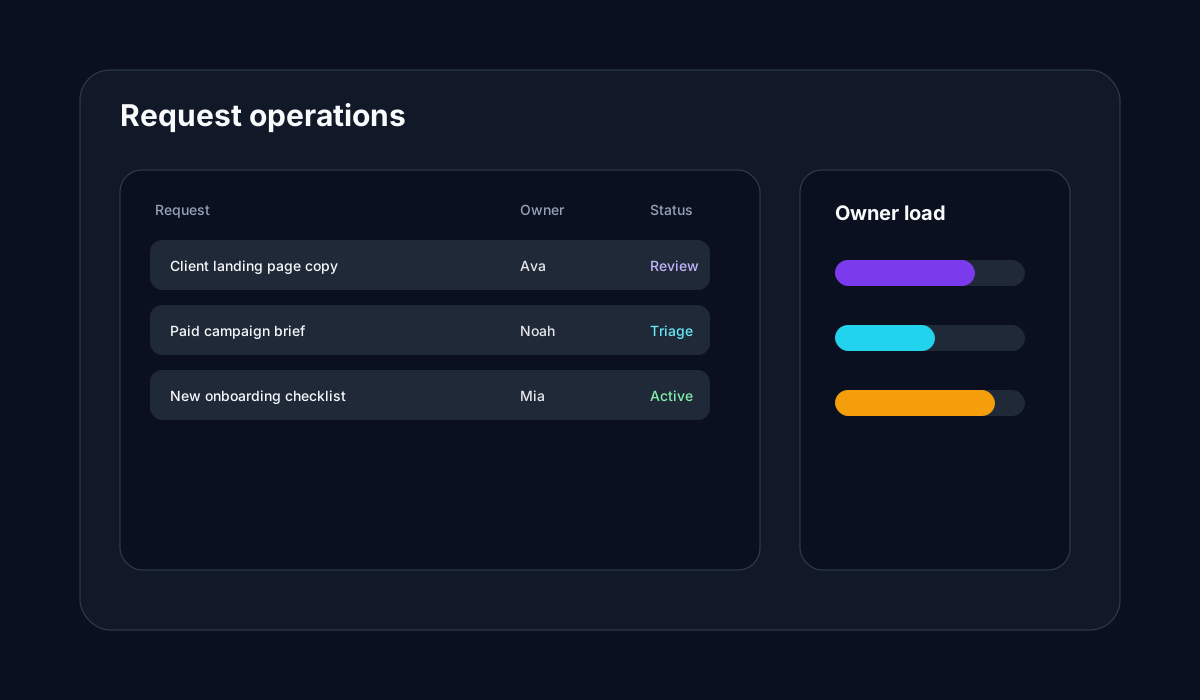
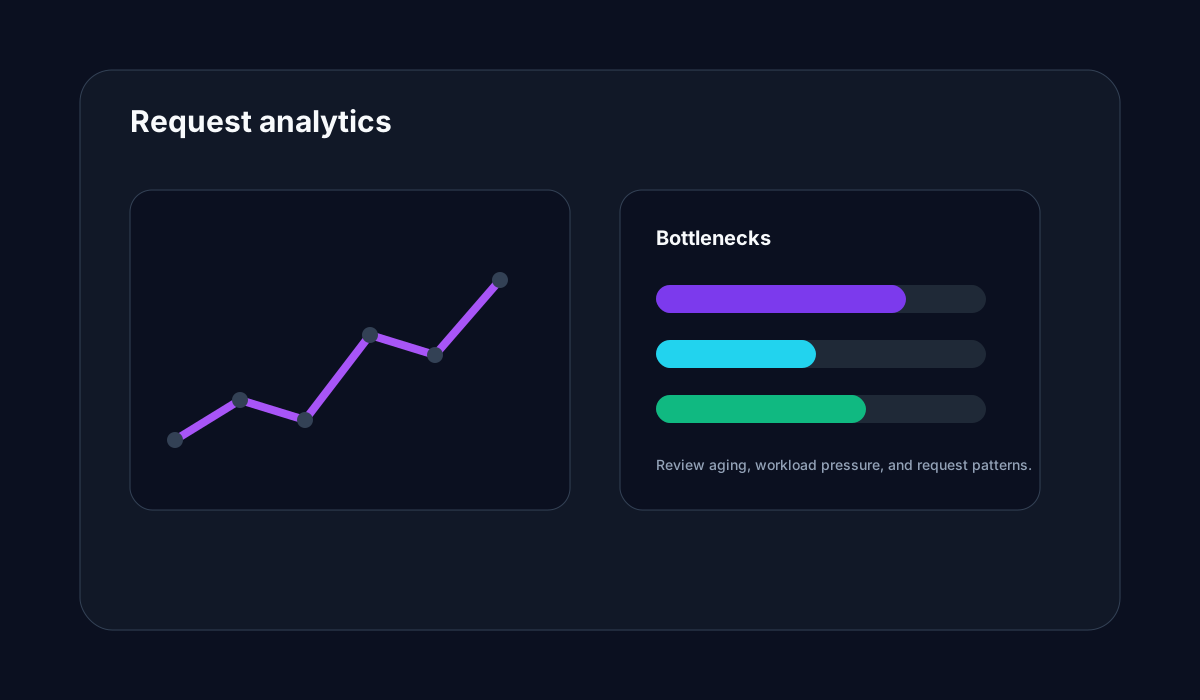
Strong request intake software helps managers spot overloaded owners, aging requests, blocked approvals, and capacity risk before clients feel the delay.
Comparison
Best client request intake software comparison
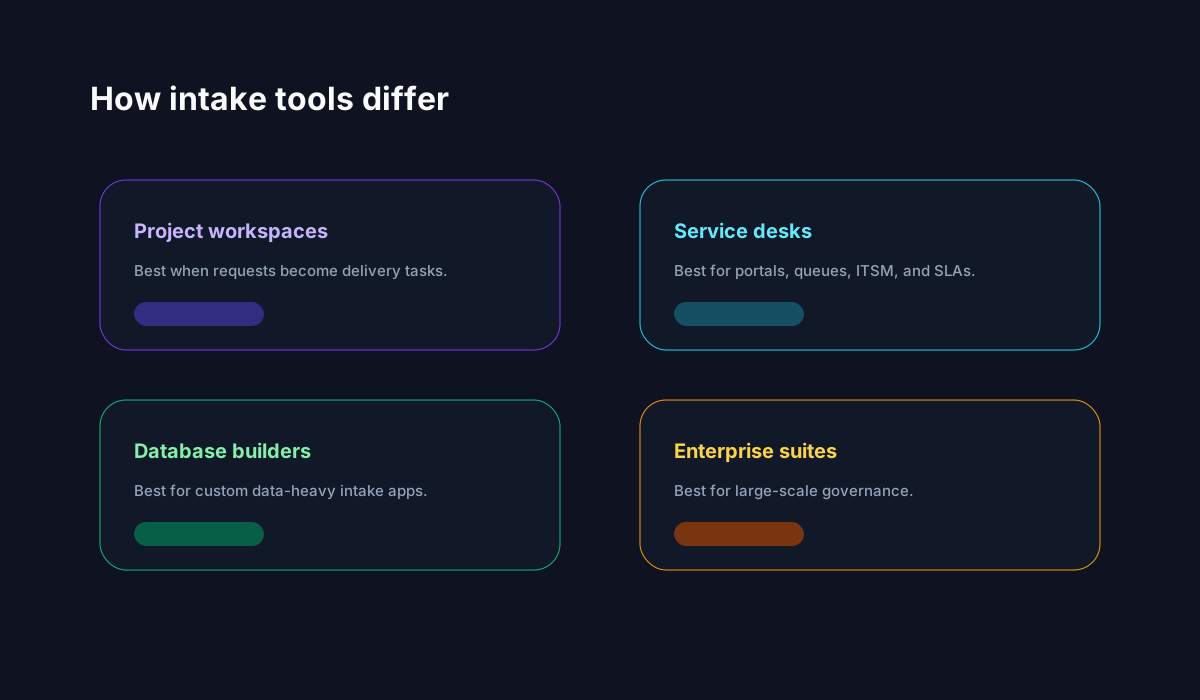
This comparison reflects current commercial intent in the market: buyers want intake forms, request routing, approvals, reporting, workload visibility, automation, and a clear path from submitted request to completed work.
| Software | Best for | Intake fit | Workflow depth | Watch out | Verdict |
|---|---|---|---|---|---|
| Gravitask | Agencies, marketing teams, operations teams, IT-adjacent service teams, SaaS businesses, and client service teams that want intake and execution together. | Intake forms, form templates, public and internal access modes, password and domain restrictions on eligible plans, mapped fields, submissions that create tasks, and visible request queues. | Tasks, owners, priorities, due dates, comments, custom fields, Kanban boards, Timeline and Gantt views, dashboards, automations, reminders, mobile apps, and MCP-ready workflows. | Best for teams that want client requests to become delivery work. If you need full enterprise ITIL service management with a mature service catalogue, compare Jira Service Management or ServiceNow. | Best modern choice for teams that need client intake, project delivery, and workflow visibility without enterprise help desk complexity. |
| Monday.com | Teams that want flexible forms, boards, automations, dashboards, and a broad service management product family. | WorkForms, conditional logic, project request forms, IT request forms, customer portals through monday service, and AI-assisted service workflows. | Highly configurable boards, dashboards, automations, ticket boards, service workflows, and reporting across many teams. | Powerful flexibility can require disciplined board design so request data, ownership, and status stay consistent. | Strong for teams that want a configurable work platform and are prepared to design the operating model. |
| ClickUp | Teams that want one large workspace for tasks, docs, dashboards, automations, forms, and AI-assisted prioritisation. | Custom intake forms, automated routing, AI-assisted prioritisation, dashboards, statuses, and notifications. | Broad task management, custom fields, docs, dashboards, goals, whiteboards, automations, and many project views. | The platform surface is large, so small teams should simplify setup to avoid turning intake into another configuration project. | Useful for all-in-one teams that want many features and can keep intake workflows tidy. |
| Asana | Cross-functional teams that already use Asana for projects, campaigns, portfolios, and operational work. | Project intake pages, forms, rules, custom fields, templates, app integrations, and guidance around prioritisation scoring. | Lists, boards, timelines, workload, portfolios, goals, automations, templates, and stakeholder updates. | Request intake works best when teams maintain clean project structure and consistent field use. | A polished work management option for standardising project intake across teams. |
| Wrike | Marketing, creative, professional services, and enterprise teams that need request forms, approvals, proofing, and governance. | Dynamic request forms, custom workflows, intake routing, dashboards, approvals, and enterprise controls. | Mature work management with proofing, resource planning, reporting, time tracking, and cross-team visibility. | Often more system than smaller teams need when their main pain is email-to-task intake. | A deep enterprise choice for teams with formal approval and reporting needs. |
| Jira Service Management | IT, HR, facilities, finance, legal, and operations teams that need service desk workflows and request fulfilment. | Customer portals, request types, request forms, email channels, queues, SLA settings, and approvals. | Strong service request management, incident workflows, knowledge base integration, reporting, and Atlassian ecosystem depth. | Excellent for service desks, but heavier than many agencies and project teams need for client delivery requests. | Best fit when requests are true service tickets with SLA and queue discipline. |
| Teamwork | Client-facing agencies and professional services teams that already manage projects and client work in Teamwork. | Client request intake templates, forms and inbox-connected workflows, priority fields, owners, and project association. | Client project management, task lists, workload, time tracking, profitability, and agency-oriented reporting. | Strong agency fit, but teams outside client services may prefer broader work management tools. | A practical agency option, especially when requests need to stay tied to billable delivery. |
| Notion | Teams that want flexible databases, docs, forms, and lightweight client workflow systems in one workspace. | Forms can collect client requests into databases, while templates and agents can organise briefs into project records. | Flexible docs, databases, views, charts, automations, and AI-assisted workspace workflows. | Teams must design their own request operating model, permissions, and delivery workflow discipline. | Best for flexible documentation-led teams that want to build their own intake system. |
| Airtable | Operations teams that want database-style intake, approvals, interfaces, and custom workflow apps. | Forms, tables, interfaces, automations, approval-style fields, and flexible request data structures. | Strong structured data model with views, automations, interfaces, reporting, and integration options. | Great for databases and workflows, but less naturally task-native than dedicated project management tools. | Best when intake data complexity matters more than day-to-day task execution. |
| Smartsheet | PMOs, operations, IT portfolio teams, and larger organisations that need project intake and portfolio visibility. | Forms, demand intake, approval workflows, Control Center, portfolio provisioning, and reporting. | Grid, Gantt, dashboards, forms, reports, automations, and enterprise project governance. | Spreadsheet-like flexibility is powerful but may feel formal for small client service teams. | Strong for structured PMO intake and portfolio governance. |
| ServiceNow | Large enterprises that need employee self-service, service catalogues, ITSM, SLAs, approvals, AI, and governance at scale. | Service catalogue, portals, chatbot-assisted self-service, graphical workflows, approvals, SLAs, and unified agent views. | Enterprise service management with reporting, virtual agents, mobile workflows, and deep operational controls. | Usually more expensive and complex than a growing agency, marketing team, or SMB needs for client requests. | Best for enterprise service management, not lightweight client request intake. |
Why Gravitask
Why Gravitask stands out for client request intake
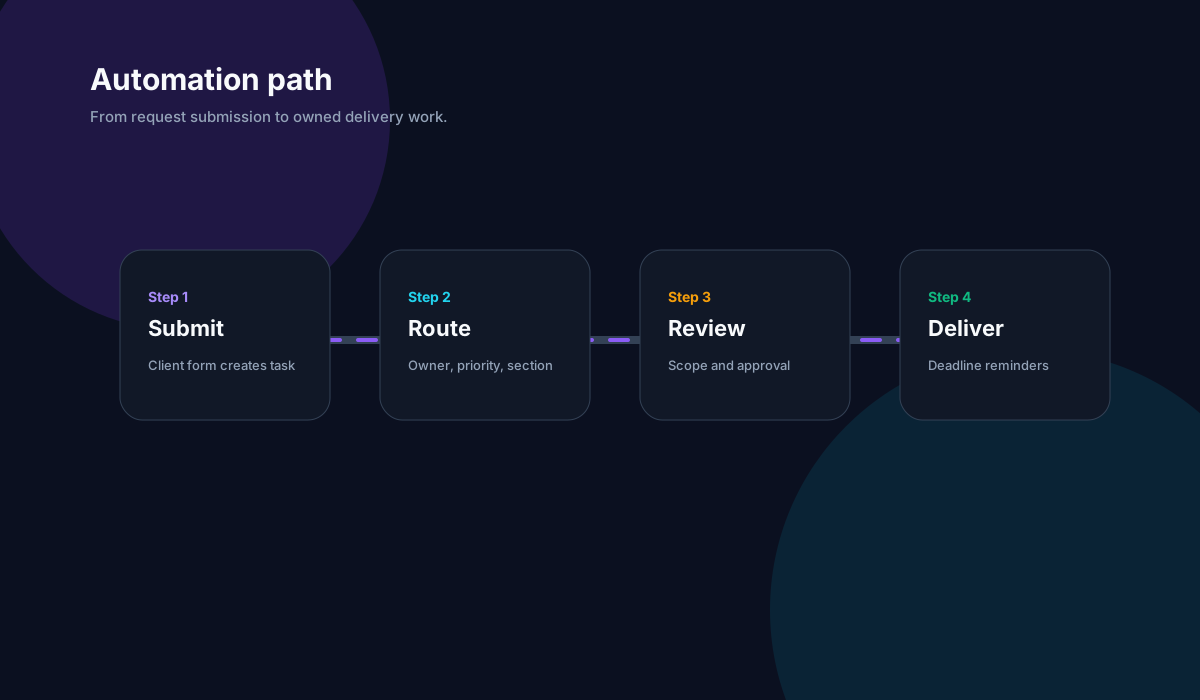
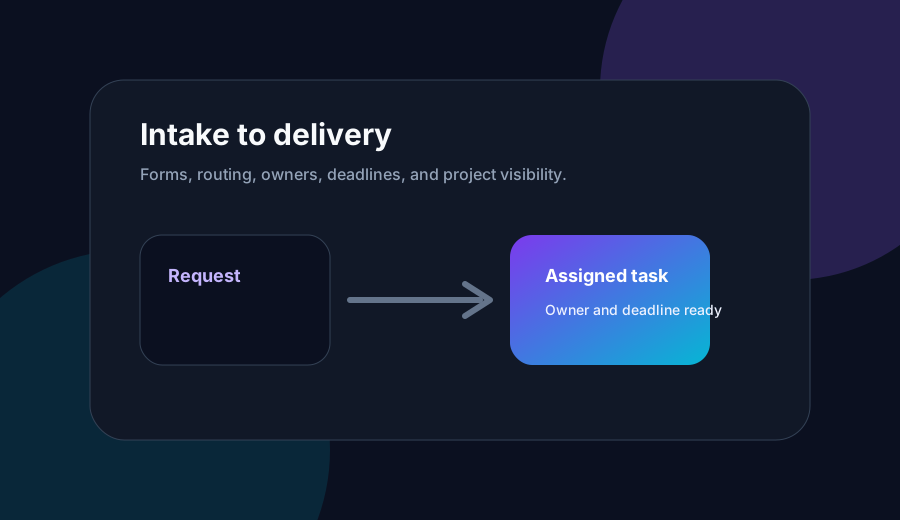
Gravitask is built for teams that want intake to become execution quickly. A request can start as a form submission, become a task, land in the right project section, carry useful client context, get assigned to an owner, and move through Kanban, timeline, comments, reminders, and dashboards.
That makes it a strong fit for teams where client requests are not just support tickets. They are real delivery work: campaigns, website changes, onboarding steps, product issues, implementation asks, creative reviews, and operations requests.
Intake forms that create tasks
Build forms for client intake, creative requests, bug reports, and support escalations. Submissions become tasks with context attached from the start.
Public and internal access modes
Use workspace-only, domain-restricted, public, or password-protected access depending on the plan and the sensitivity of the request workflow.
Mapped fields and templates
Map intake answers to task titles, descriptions, due dates, submitter email, and custom-field data so triage starts with structured information.
Kanban request queues
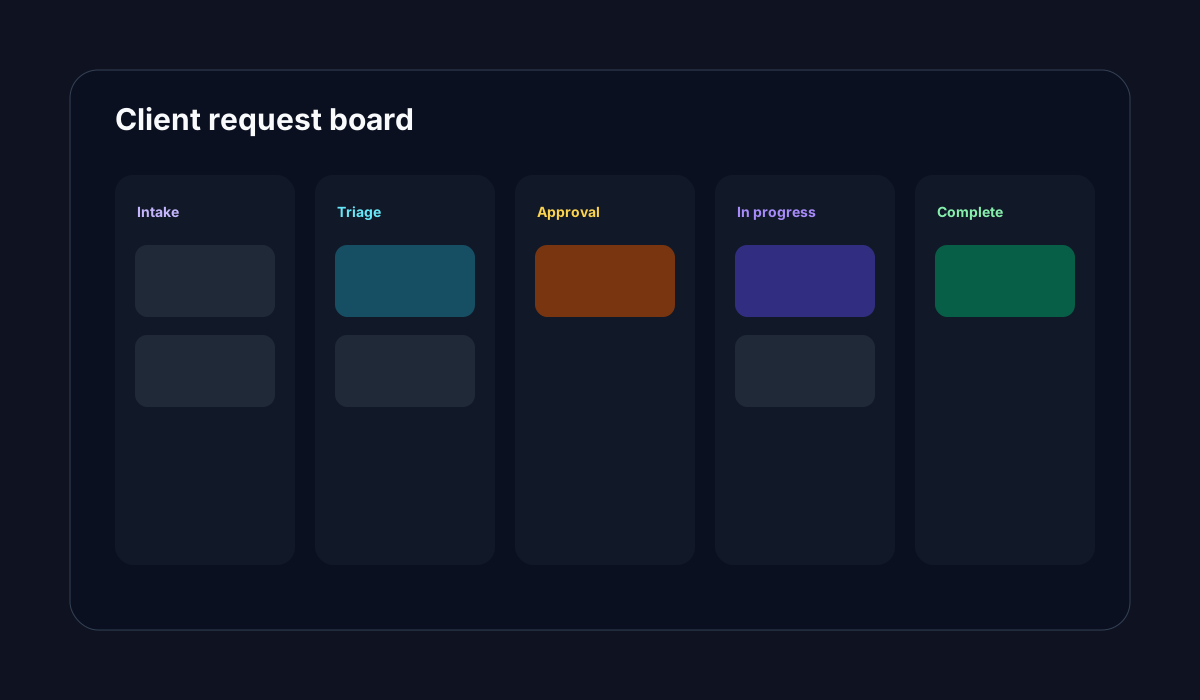
Move requests through intake, triage, in progress, review, approved, and completed stages so every stakeholder knows what happens next.
Timeline and Gantt planning
Turn accepted requests into visible scheduled work, especially when client changes affect milestones, dependencies, and launch dates.
Workflow automation
Use automations to notify owners, apply routing rules, add comments, trigger follow-ups, and keep request handling consistent.
Reminders and deadlines
Keep owners aware of reviews, approvals, deadlines, and client follow-ups through task due dates and email reminders.
Cross-platform access
Manage request queues on web and mobile so distributed teams can review, assign, and move work without waiting for a desktop session.
Stop losing client requests in email
Give every client, stakeholder, and internal team one structured way to ask for work. Gravitask turns intake into visible tasks, owners, priorities, deadlines, and delivery workflows.
Standardisation
Standardising request workflows
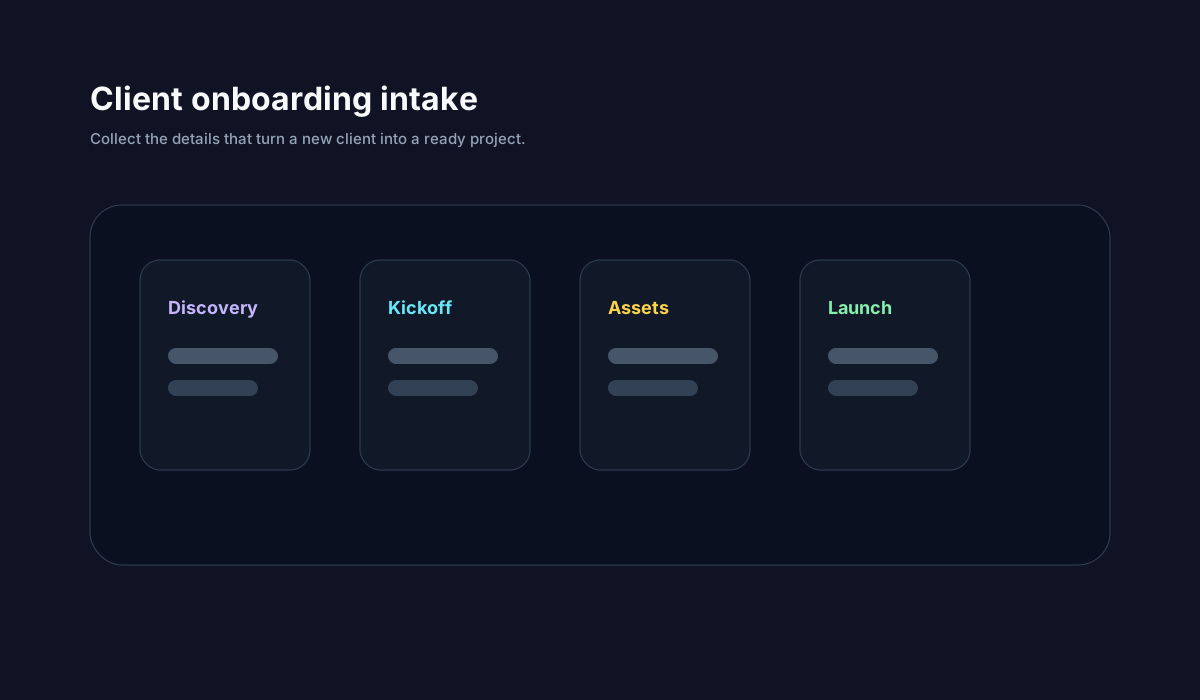
Standardisation does not mean making every request identical. It means creating enough structure that the team can compare, route, approve, and deliver work without rediscovering the process each time.
- 1
Capture
A client, teammate, or stakeholder submits a structured form with the details needed to start work.
- 2
Triage
The request lands as a task with priority, due date, owner, section, and useful custom-field data.
- 3
Approve
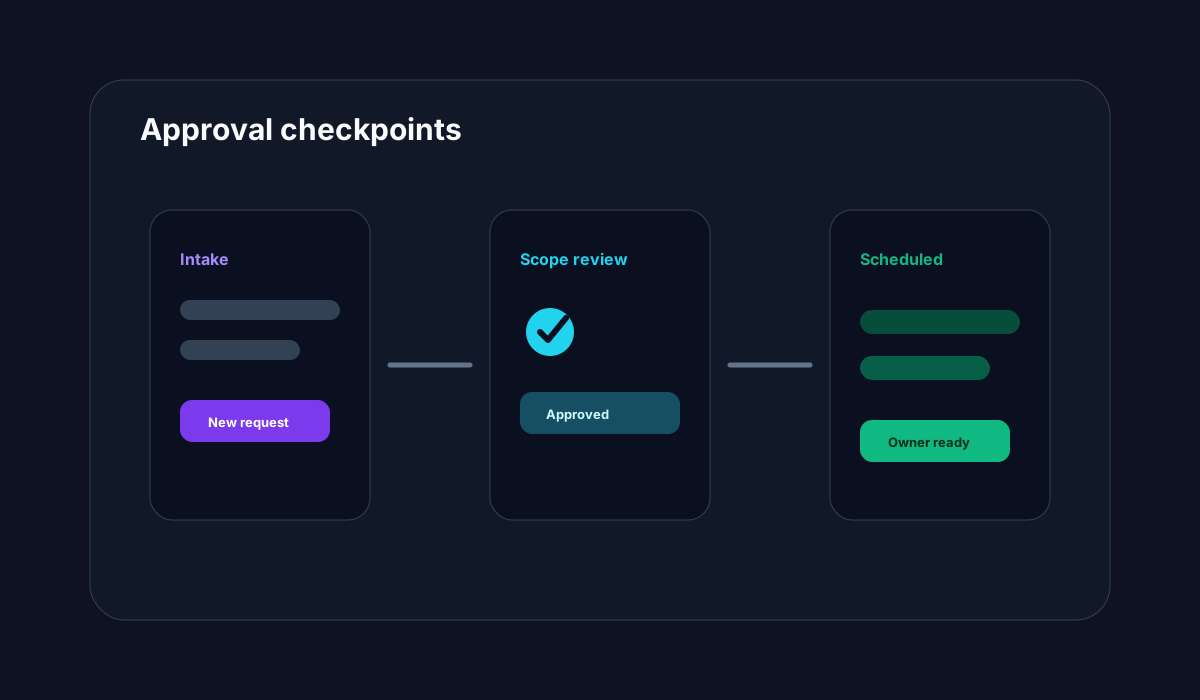
Managers or project leads review scope, assign ownership, clarify deadlines, and decide whether the request moves forward.
- 4
Deliver
The task moves through Kanban, timeline, comments, files, reminders, and status updates until it is complete.
- 5
Improve
Teams review request volume, repeated blockers, aging work, and workload pressure to refine the intake process.
Accountability
Improving visibility, approvals, and ownership
Client request intake fails when responsibility is implicit. The requester assumes someone saw it. The account lead assumes delivery has enough context. The team assumes the client approved scope. A good intake system turns each assumption into a visible field, owner, task, comment, stage, or due date.
Single owner
Every request needs one accountable owner, even when several people contribute.
Visible stage
Use request stages such as new, triage, waiting for approval, scheduled, in progress, review, and done.
Deadline context
Capture preferred dates, launch windows, client commitments, and internal due dates.
Scope notes
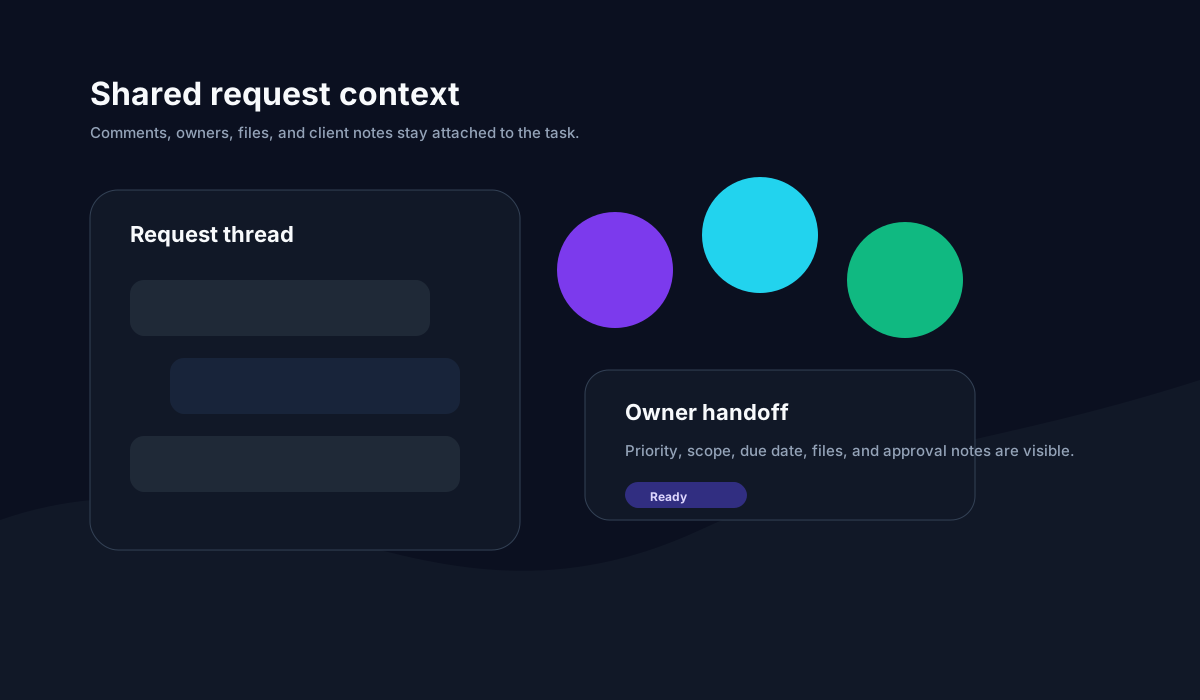
Keep decisions, trade-offs, files, comments, and approval notes attached to the task.
Remote work
Supporting remote and hybrid request teams
Remote request workflows need more than a form link. They need async context, visible handoffs, mobile access, reminders, and project views that make progress legible across time zones.
Fewer status meetings
A shared request queue shows what is new, waiting, blocked, assigned, and ready for review.
Better client communication
Teams can answer status questions from the task record instead of reconstructing the story.
Mobile follow-through
Owners can review, comment, assign, and keep requests moving from web or mobile.
Workload awareness
Managers can see incoming demand before assigning more work to overloaded teammates.
Automation and AI
AI-assisted intake and workflow automation
AI is most useful when the intake system already has structure. When requests include clear fields, owners, priorities, and workflow stages, AI-assisted workflows can classify submissions, summarise context, suggest next steps, and flag missing details with less guesswork.
The safer model is human-led automation: AI can help with summary and routing suggestions, while managers remain responsible for scope, approval, priority, and client commitments.
Intake classification
Group requests by client, request type, urgency, scope, and delivery path.
Suggested next steps
Use context to draft task checklists or handoff notes for the owner.
Missing-context prompts
Flag requests that lack due dates, asset details, business goals, or approval context.
Workflow follow-up
Trigger reminders, comments, notifications, or review steps when requests stall.
Use cases
Client request intake by team type
The best intake workflow matches the kind of work entering the system. A creative agency needs different fields than an IT team, but both need ownership, visibility, and a reliable handoff from request to delivery.
Agencies
Capture creative briefs, change requests, feedback, and launch asks without losing scope in email.
Use public intake forms for clients, route submissions into client projects, triage on a Kanban board, and schedule accepted work on timelines.
Marketing teams
Standardise campaign, content, design, and web requests before production begins.
Collect asset type, launch date, audience, copy notes, and approver context, then assign requests to the right campaign owner.
IT and operations
Create a lightweight request queue for internal teams that do not need a full enterprise service desk.
Use workspace or domain-restricted forms, priority defaults, owners, due dates, and dashboards for visibility.
SaaS and product teams
Route customer-facing requests, product feedback, bug reports, and implementation asks into delivery workflows.
Connect submissions to backlog tasks, add impact fields, group by priority, and use timeline planning for accepted work.
Pricing and value
How to think about pricing and value
Request intake software should pay for itself by reducing manual triage, missed work, repeated clarification, status meetings, and preventable client follow-ups. The key question is not only price per seat. It is whether the tool replaces scattered intake and helps the team deliver accepted requests faster.
Gravitask value positioning
Gravitask keeps pricing intentionally accessible: Free forever for up to 3 users, Pro from £5 per seat/month, and Business from £14 per seat/month. Internal intake forms are included on Pro, while public intake forms are a Business capability.
That makes Gravitask a practical fit for teams that want professional request intake and delivery workflows without moving into a high-overhead enterprise service platform.
Internal links
Recommended Gravitask topic cluster
Use these internal links to strengthen the client intake, workflow automation, Kanban, Gantt, workload, and competitive-comparison cluster.
External references
Authority sources and SERP context
This page is informed by current SaaS intake, service request, workflow automation, and structured data guidance from official and high-authority sources.
Create a better front door for every request
Use Gravitask to collect the right details, create tasks automatically, assign owners, track deadlines, and keep client work visible from intake to delivery.