Definition
What is workload management software?
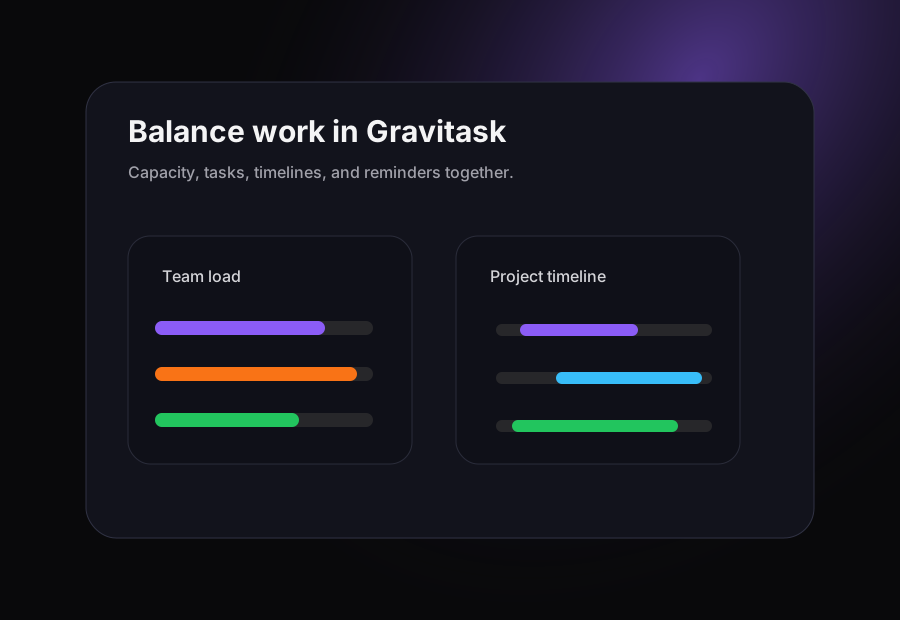
Workload management software helps teams understand how work is distributed across people, projects, and deadlines. The best platforms combine capacity planning with everyday project execution so managers can see what is assigned, where work is blocked, who is overloaded, and whether deadlines are realistic.
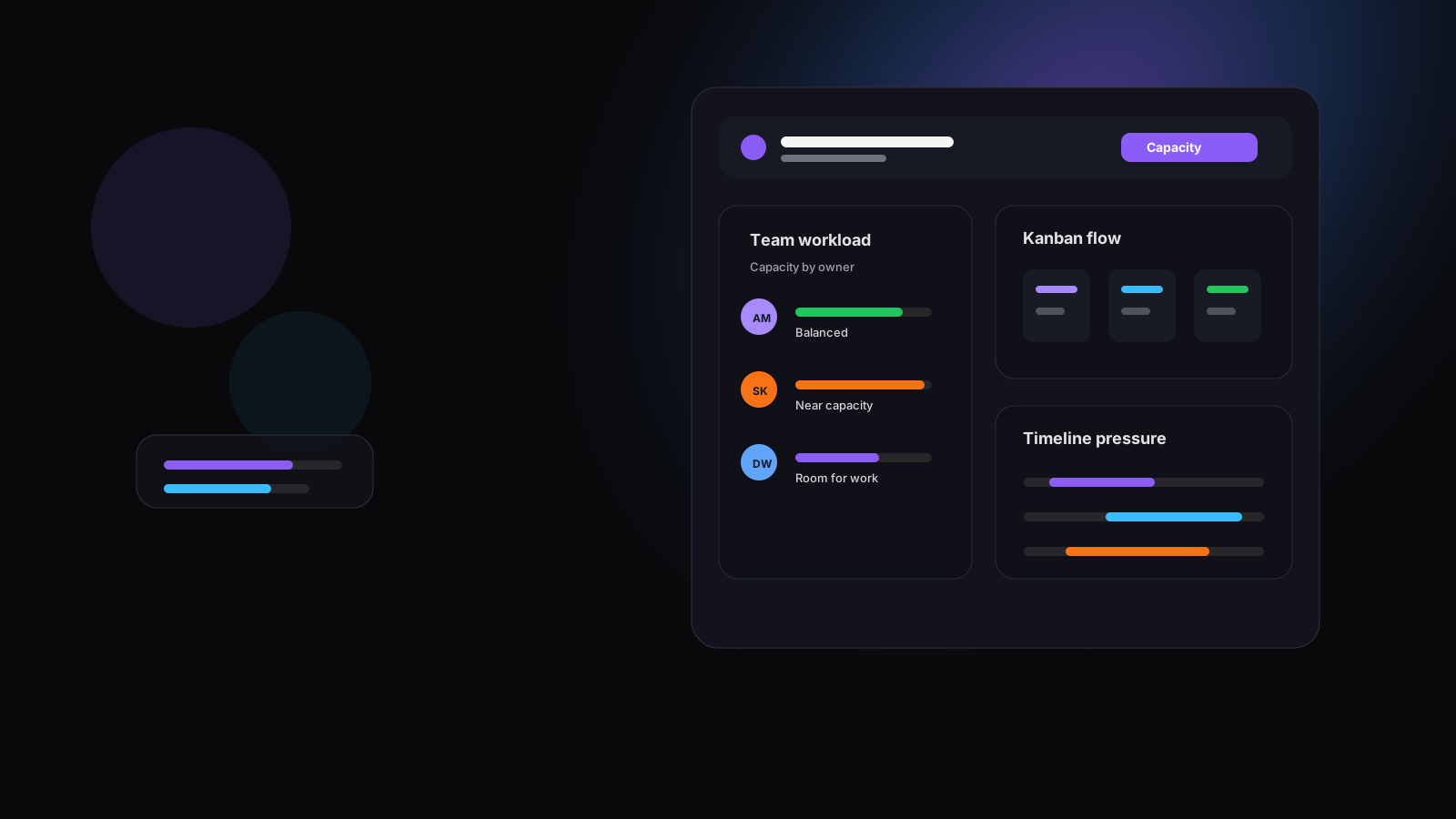
This matters because workload management is not only a planning exercise. It is the operating layer between strategy and delivery. If a manager cannot see capacity until a weekly report, the team is already reacting. A modern workload tool should keep resource allocation, task ownership, Kanban flow, Timeline and Gantt planning, reminders, and collaboration close together.
Visibility
Why workload visibility matters
Teams rarely miss deadlines because one task was hard to find. They miss deadlines because too much work landed on the same few people, dependencies were hidden, and leaders did not see the overload soon enough to change the plan.
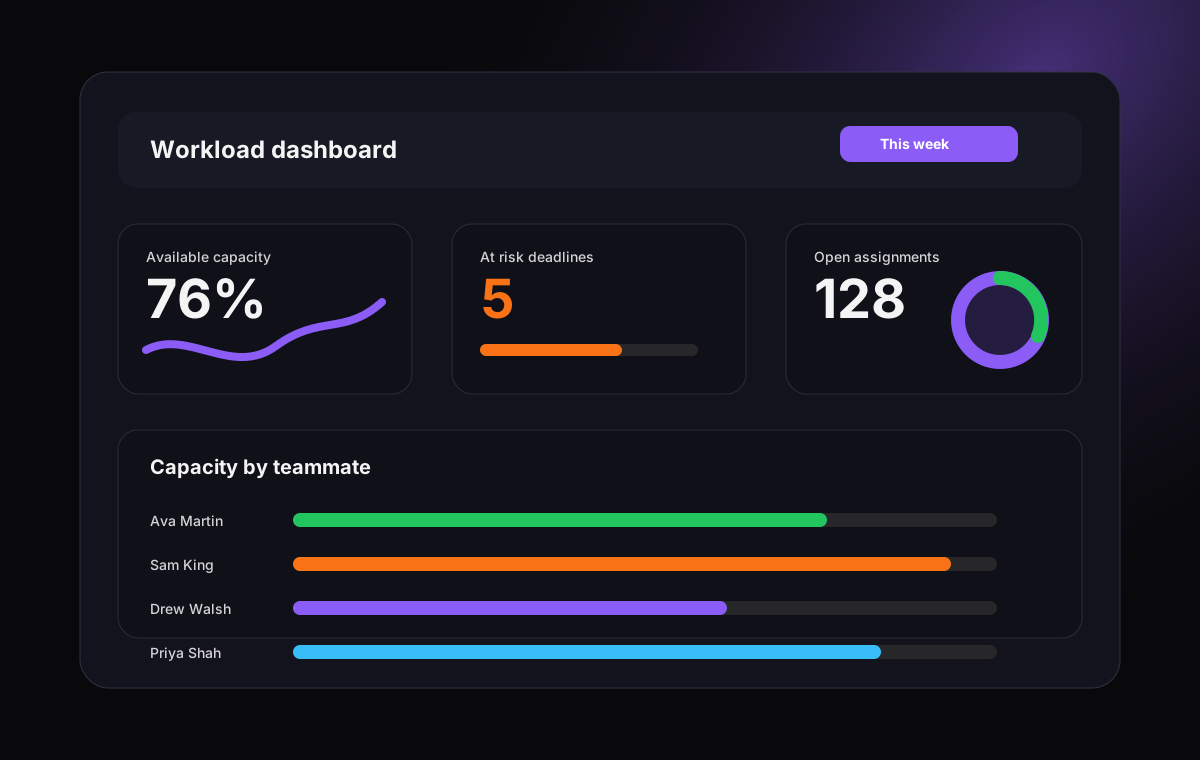
Workload visibility gives managers a shared way to answer the questions that drive delivery: Who is at capacity? Which projects are competing for the same person? Which deadlines are at risk? What should move, pause, or be reassigned? When the answers live inside the same workspace as the tasks, teams make better tradeoffs faster.
Spot overload early
See assignment pressure before it turns into missed deadlines or reactive reprioritization.
Balance priorities
Compare projects, deadlines, and owners so managers can make tradeoffs with context.
Reduce status drag
Give teams a shared workload view instead of asking for manual updates across meetings and chat.
Pain points
Common team capacity and burnout challenges
A workload tool should solve the everyday problems that make planning fragile for agencies, product teams, IT teams, operations groups, and remote organizations.
- Work is distributed unevenly, but managers do not notice until deadlines slip or people start declining new work.
- Capacity is planned in spreadsheets while delivery happens in task boards, chat threads, and meetings.
- Employees are assigned to too many projects at once, so priority conflicts stay hidden until execution slows down.
- Leaders can see project status but cannot tell whether the plan is realistic for the team available.
- Remote and hybrid teams lose visibility into blockers, availability, handoffs, and follow-through.
- Resource planning becomes a weekly reporting exercise instead of a live operating habit.
Buying guide
What to look for in workload management software
Most workload tools promise visibility. The difference is whether the visibility is easy to maintain. Choose software that connects planning to the actual work your team completes every day.
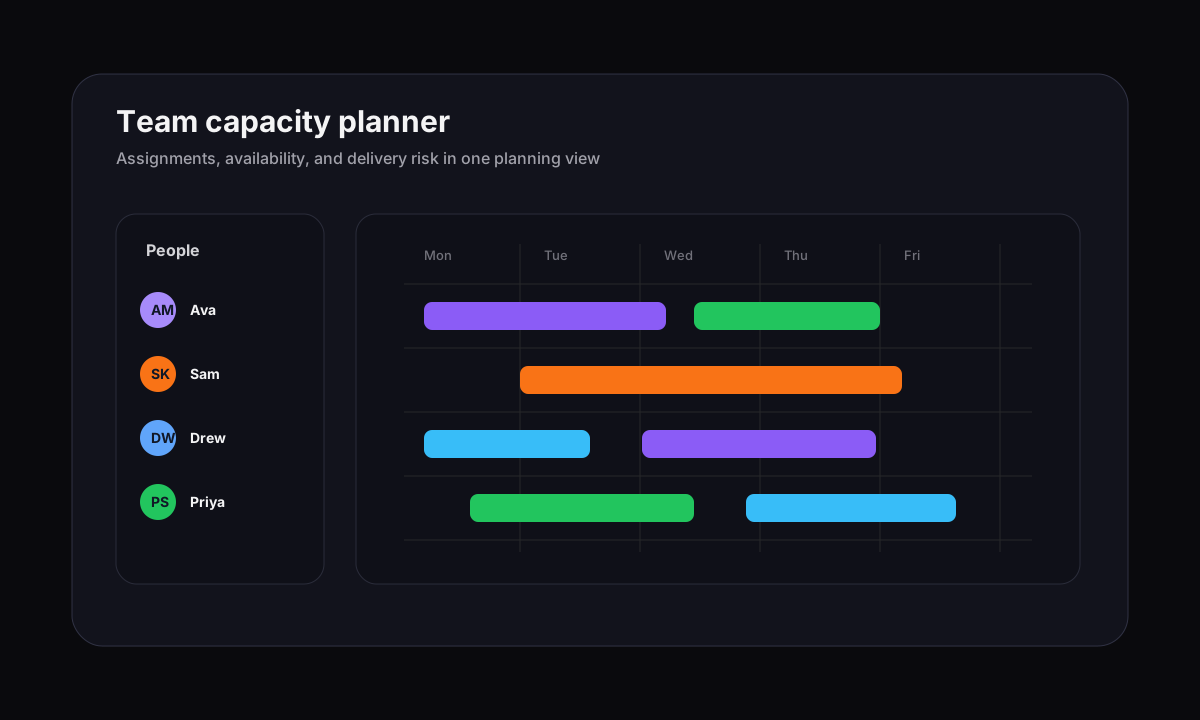
Workload visualization
Managers need a clear view of who is available, who is overloaded, and which projects are creating pressure.
Team capacity tracking
Good workload software should make planned work, actual assignments, availability, time off, and deadlines easier to compare.
Task management depth
Capacity planning only works when it connects to real tasks, owners, priorities, comments, files, due dates, and status updates.
Visual workflow boards
Kanban boards help teams spot bottlenecks, blocked work, stalled review queues, and handoff problems before they become delivery risk.
Timeline and Gantt planning
Timeline views help leaders understand when work overlaps, where milestones are at risk, and which dependencies need attention.
Reporting without spreadsheet repair
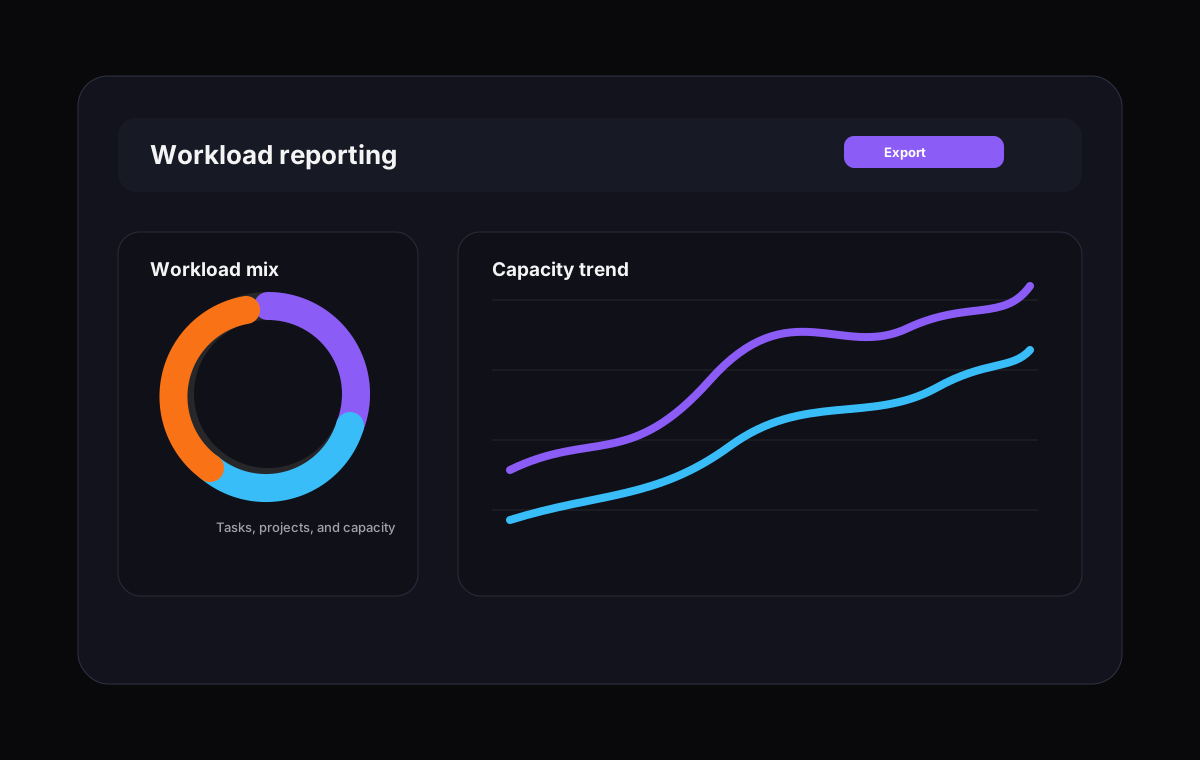
Look for workload reporting that supports planning conversations, not manual report clean-up after the work has already moved.
Comparison
Best workload management software comparison
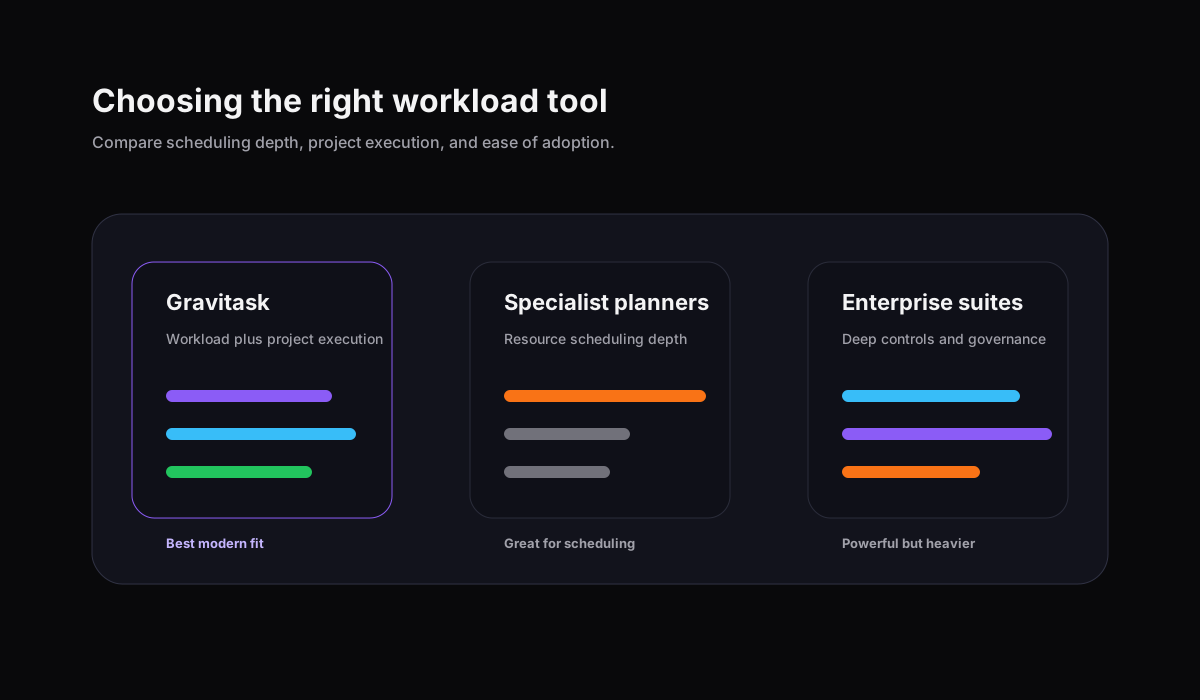
The market splits into three groups: broad work management platforms, specialist resource planning tools, and fast project execution tools with some capacity visibility. The right choice depends on whether your team needs only scheduling, only task flow, or both together.
| Software | Best for | Workload fit | Project depth | Watch out for | Verdict |
|---|---|---|---|---|---|
| GravitaskTop pick | Agencies, product teams, startups, operations teams, IT teams, remote teams, and growing businesses that want workload visibility and project execution in one workspace. | Workload visualization, team capacity tracking, task owners, deadlines, Kanban boards, Timeline and Gantt views, reminders, mobile apps, and resource allocation visibility. | Modern project management with task tracking, collaboration, project visibility, productivity workflows, and clean cross-platform support. | Best for teams that want practical workload planning and project delivery together rather than a specialist enterprise resource planning suite. | Best modern choice for teams that need workload management without moving into a bloated resource platform. |
| Asana | Cross-functional teams that already manage projects, portfolios, goals, and campaigns in Asana. | Workload helps teams visualize capacity across portfolio work when tasks are estimated and assigned consistently. | Strong work management with lists, boards, timelines, dependencies, automations, forms, portfolios, goals, and reporting. | Workload visibility depends on clean task structure and plan availability, which can require disciplined setup. | A polished work management choice for teams already committed to the Asana operating model. |
| Monday.com | Teams that want configurable boards, dashboards, automations, forms, and workload views across flexible workspaces. | Workload View can show effort and capacity by person when boards are configured with owners, dates, and effort values. | Flexible work platform with many views, dashboards, automations, templates, and board-level customization. | The flexibility is powerful, but reporting quality depends on standard board design and clear process rules. | Strong for teams willing to design their workload operating system carefully. |
| ClickUp | Teams that want a broad all-in-one workspace with tasks, docs, dashboards, goals, automations, and many views. | Workload View can use estimates, time, points, and capacity rules to show how work is distributed. | Very broad project management surface with custom fields, statuses, dashboards, automations, docs, whiteboards, and reporting. | The platform is extensive, so smaller teams should simplify setup to keep workload planning easy to adopt. | Powerful for teams that want one large workspace and can manage configuration discipline. |
| Wrike | Larger teams and enterprises that need request intake, approvals, resource planning, proofing, governance, and reporting. | Workload charts and resource planning features can support capacity visibility, allocation, and staffing decisions. | Mature work management with dashboards, workflows, approvals, proofing, time tracking, and enterprise controls. | Can feel heavier than a small or mid-sized team needs for day-to-day workload balancing. | A strong enterprise option when governance and resource planning depth are priorities. |
| Teamwork | Agencies and client services teams that need projects, time tracking, budgets, client work, and workload planning. | Workload planner and resource tools support agency staffing, client project delivery, time estimates, and capacity discussions. | Client project management, tasks, milestones, templates, workload, time tracking, budgets, and collaboration. | Best aligned with client services workflows, while product and engineering teams may prefer a cleaner execution model. | A strong agency-focused workload option for teams that manage billable delivery. |
| Smartsheet | Organizations that like spreadsheet-style work management and need resource management across portfolios. | Resource Management by Smartsheet supports resource planning, capacity views, utilization, and staffing decisions. | Strong for structured project plans, portfolio reporting, forms, automations, and spreadsheet-oriented collaboration. | Teams that prefer a modern task-first workspace may find the model more process-heavy than they need. | Good fit for organizations that want spreadsheet familiarity with resource management depth. |
| Float | Teams that need dedicated resource scheduling, capacity planning, and people allocation across projects. | Excellent visual resource planner for availability, capacity, time off, allocations, and project staffing. | Best used alongside a project management workspace for task execution, comments, boards, and timelines. | Float is resource-first, not a full project management and task collaboration platform. | A strong specialist planner when resource scheduling is the primary job. |
| Resource Guru | Teams that need resource scheduling, availability management, bookings, and capacity planning. | Focused resource calendar, booking management, utilization signals, clash handling, and people availability. | Works best beside a project management tool when teams need detailed task execution and collaboration. | It solves scheduling well, but does not replace a full task management and project visibility workflow. | A focused option for teams that need scheduling clarity more than project execution depth. |
| Notion | Teams that want docs, wikis, databases, project pages, templates, and flexible internal operating systems. | Workload planning usually depends on database properties, templates, formulas, filtered views, or integrations. | Excellent documentation and flexible databases with boards, timelines, calendars, and custom pages. | Without strict conventions, workload management can become a custom database pattern that teams maintain manually. | Useful for lightweight workload visibility near documentation, less ideal as a dedicated resource planner. |
| Linear | Product and engineering teams that want fast issue tracking, cycles, projects, roadmaps, and software delivery workflows. | Capacity is usually managed through cycles, estimates, team practices, project scope, and integrations rather than a broad resource planner. | Excellent for software issue flow, roadmap execution, engineering focus, and product delivery rhythm. | Not designed as a general workload management tool for agencies, HR planners, operations teams, or service delivery. | Excellent for product engineering flow, narrower for broad workload and resource allocation planning. |
Why Gravitask
Why Gravitask stands out for workload management
Gravitask is built for teams that want a modern workload and project management platform without the overhead of legacy resource planning software. It gives managers practical visibility into active work while giving contributors a clean place to manage tasks, deadlines, comments, boards, timelines, and reminders.
Feature-rich without unnecessary complexity
Teams get Kanban boards, Timeline and Gantt views, task assignments, email reminders, project visibility, mobile apps, and workload context without configuring a heavy enterprise suite.
Built for fast-moving teams
Agencies, product teams, startups, IT teams, and operations groups can plan work visually and rebalance assignments as priorities shift.
Collaborative by default
Workload decisions stay connected to tasks, comments, deadlines, owners, and project status so teams do not lose context after a planning meeting.
Workload balancing
Balancing team workloads effectively
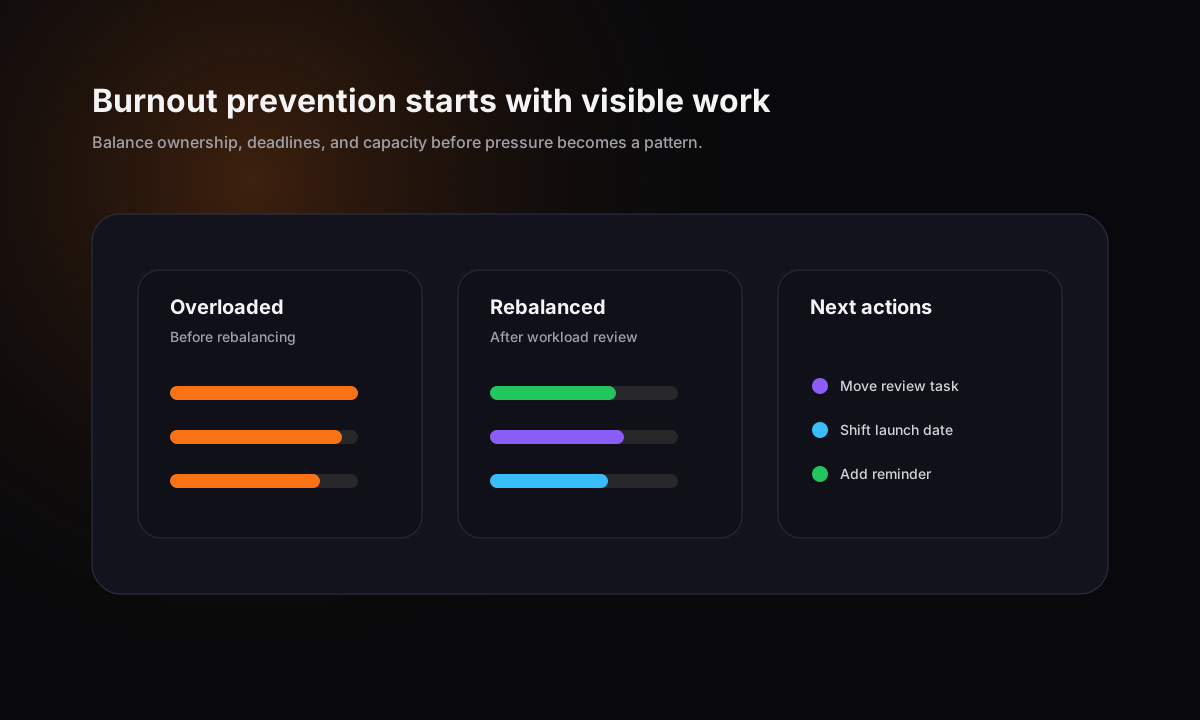
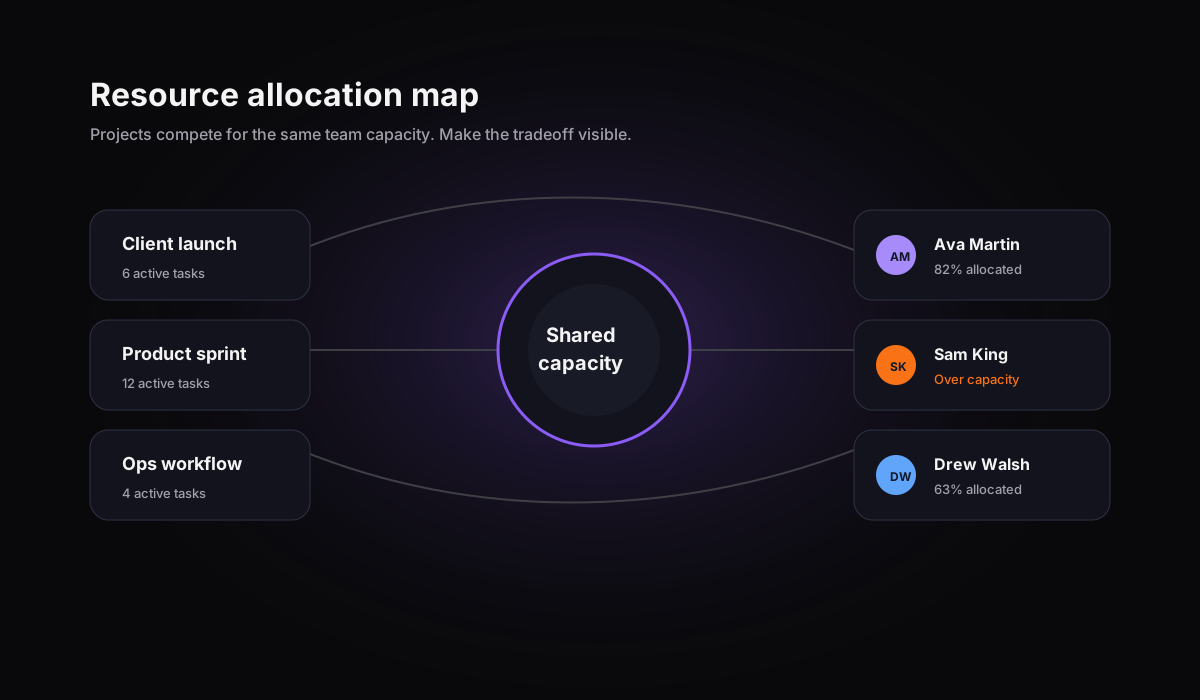
Workload balancing is the act of moving work, shifting deadlines, changing scope, or adjusting ownership so the plan fits the team available. The goal is not to keep every person equally busy. The goal is to keep critical work moving while protecting quality, focus, and delivery reliability.
A simple workload balancing workflow
- 1Review active assignments by person and project.
- 2Compare workload against due dates, effort, and priority.
- 3Identify overloaded owners and blocked workflow stages.
- 4Move work, adjust scope, or change timing before the deadline is at risk.
- 5Use reminders and task comments to make the decision visible.
- 6Review the next planning cycle with better assignment context.
Productivity
Improving productivity and accountability
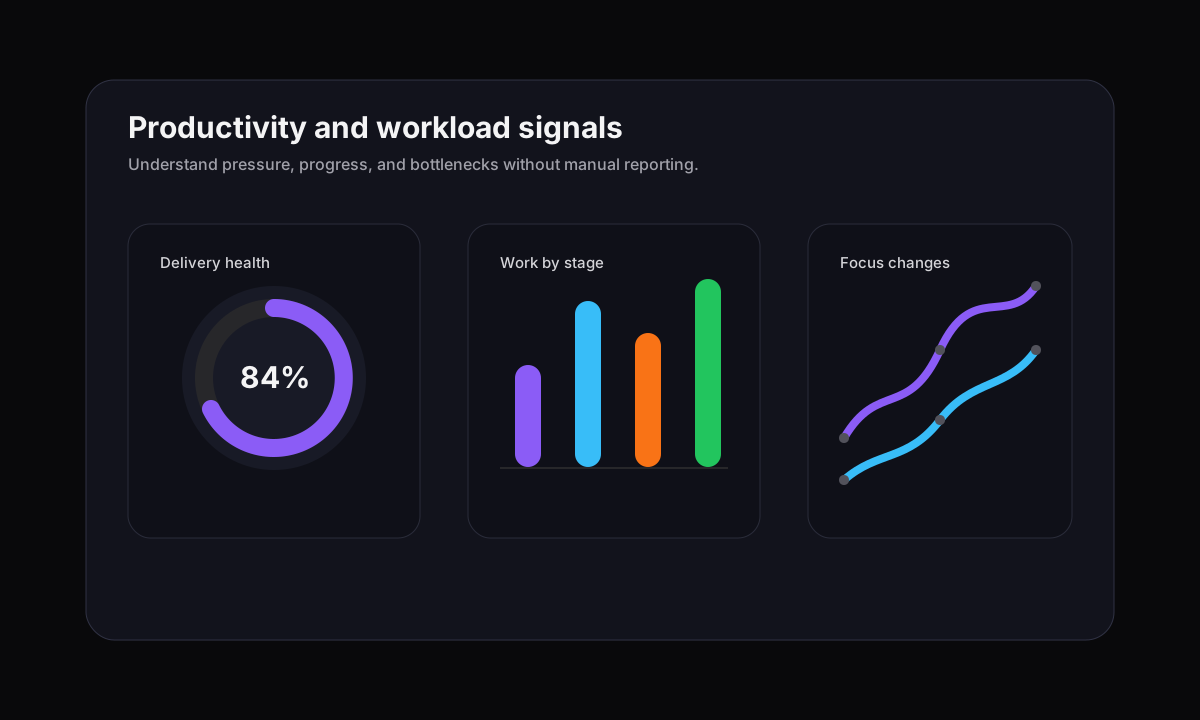
Better workload management improves productivity by reducing hidden work, repeated status requests, and unclear ownership. Accountability improves when every task has an owner, a due date, a current status, and the right project context.
Ownership clarity
Each task has a responsible person, so workload conversations become specific and actionable.
Priority clarity
Managers can compare urgent, important, blocked, and low-priority work in context.
Delivery clarity
Timelines and boards show where active work is moving and where it is getting stuck.
Remote work
Managing remote and hybrid teams
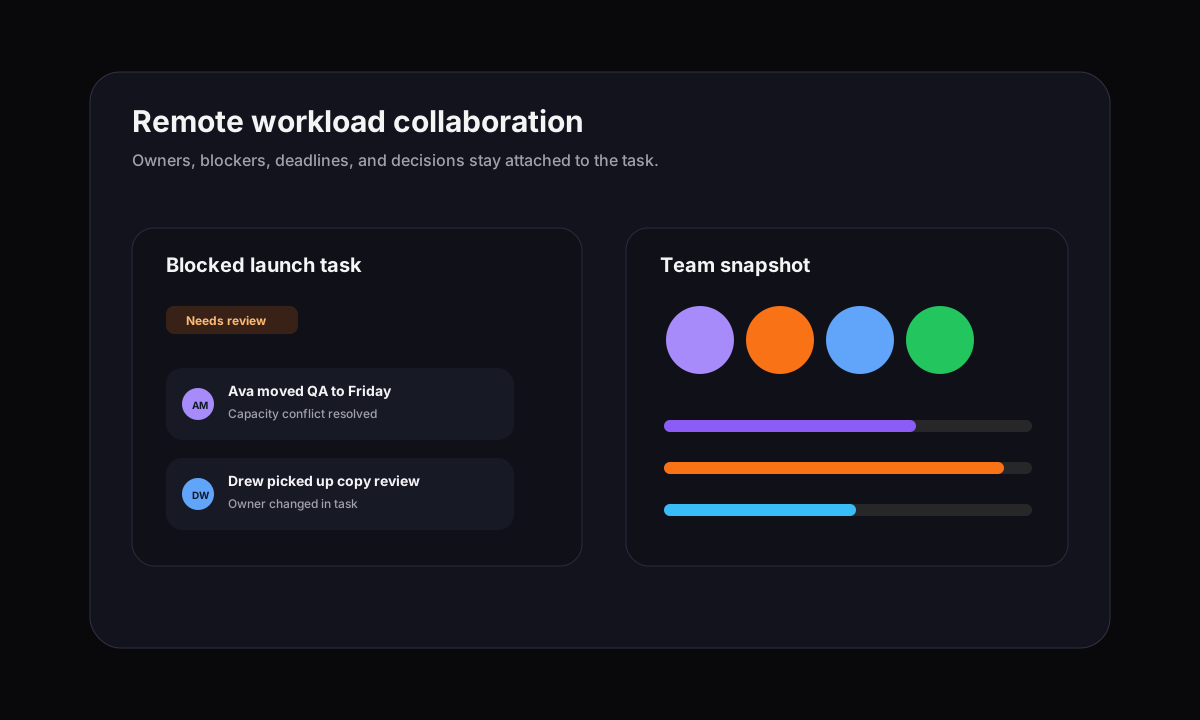
Remote workload management should not feel like surveillance. It should make ownership, availability, deadlines, blockers, and handoffs visible so people can coordinate without another meeting. Gravitask supports that style of accountability by keeping workload planning close to tasks, boards, timelines, and collaboration.
Resource planning
Resource planning and capacity management
Resource planning looks forward. Capacity management keeps the plan realistic. Together, they help managers decide which projects can start, which work should be delayed, and where the team needs more focus, coverage, or sequencing.
Specialist resource tools such as Float and Resource Guru are useful when scheduling is the main job. For many growing teams, the bigger gain is connecting capacity planning to project execution. That is where Gravitask is intentionally positioned: useful workload visibility, task management, deadlines, Kanban boards, Timeline and Gantt views, reminders, and mobile access in one modern workspace.
Timelines
Timeline and project visibility
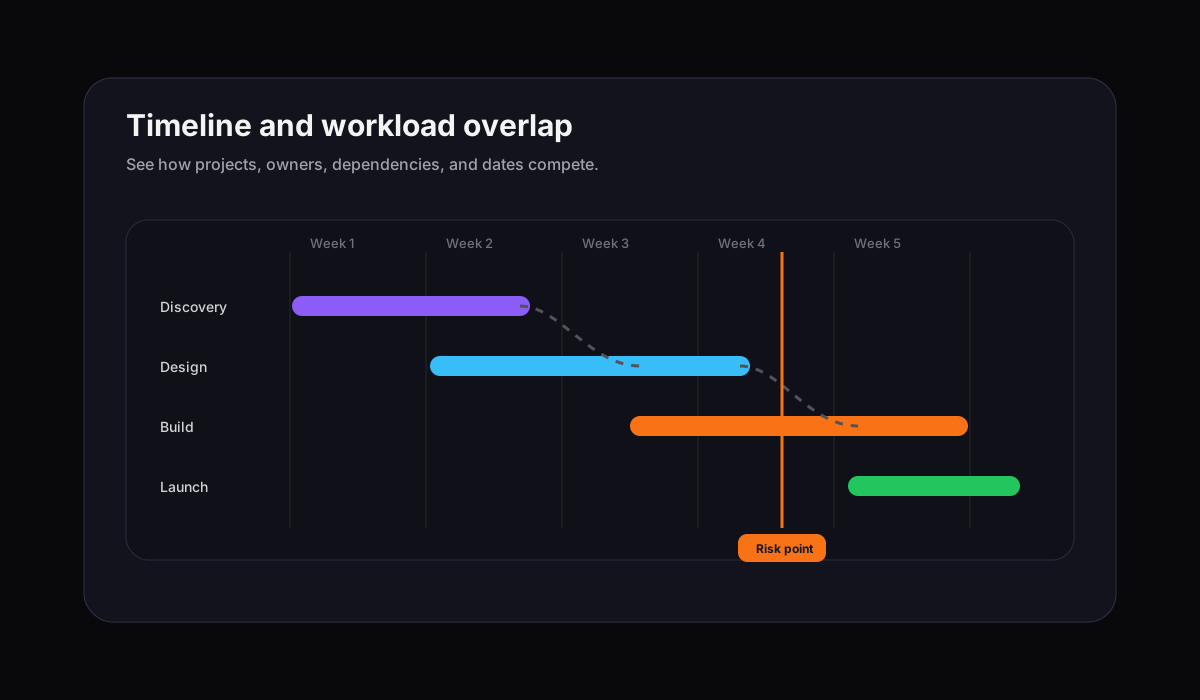
Workload planning is more accurate when it is tied to dates. Timeline and Gantt views help teams see overlapping work, project dependencies, milestone pressure, and deadline risk. That makes workload decisions easier to explain: the issue is no longer abstract capacity, it is a visible conflict between people, projects, and dates.
Mobile
Mobile productivity and flexibility
Workload changes do not wait for a desktop session. Managers need to review assignments, respond to blockers, check deadlines, and update tasks wherever work happens. Mobile access is especially useful for agencies, IT teams, operations managers, and distributed teams that move between client work, meetings, and delivery.
Use cases
Workload management by team type
The best workload software adapts to the team using it. Agencies need client delivery visibility. Product teams need roadmap and sprint pressure. IT teams need request balance. Operations teams need repeatable workflow clarity.
Agencies
Protect client delivery without burning out account, creative, and production teams.
Use workload views to see when client work piles onto the same people, then rebalance tasks before review windows or launch dates are at risk.
Product teams
Plan sprints, roadmap work, and release tasks around real team availability.
Connect tasks, deadlines, Kanban boards, and timelines so product, design, and engineering can see execution pressure early.
IT teams
Balance internal requests, project work, maintenance, and incident follow-up.
Keep recurring work and project delivery visible in one place so urgent requests do not erase planned priorities.
Operations teams
Manage repeatable workflows, approvals, and cross-functional dependencies.
Give managers a shared picture of ownership, capacity, deadlines, and process bottlenecks across departments.
Remote and hybrid teams
Create accountability without asking everyone for constant status updates.
Make workload, blockers, ownership, and next steps visible across locations and time zones.
Switching
Why teams switch to Gravitask
Teams usually look for workload management software after their current system becomes too fragmented or too heavy. Gravitask gives teams a more direct path: visual workload context, strong task management, timeline planning, collaboration, reminders, and mobile support in one workspace.
Features
Detailed feature breakdown
Gravitask is positioned as a modern workload and project management platform for teams that want visibility, accountability, and execution depth without unnecessary complexity.
Workload visualization
See which teammates are underloaded, near capacity, or overloaded so managers can rebalance work before deadlines slip.
Team capacity tracking
Connect assignments, deadlines, priorities, and project context so capacity conversations use the same data as delivery.
Task management
Keep owners, priorities, due dates, comments, files, subtasks, and status updates attached to every piece of work.
Timeline and Gantt views
Plan around milestones, dependencies, and overlapping work so resource decisions match the project timeline.
Kanban boards
Track work visually across stages, identify blockers, and keep handoffs moving without another status meeting.
Resource allocation visibility
Understand where people, projects, and priorities compete so managers can make better tradeoffs.
Email reminders
Keep deadlines, reviews, and follow-ups visible even when teammates are away from the workspace.
Mobile apps
Review workload, update tasks, check timelines, and respond to blockers from web, desktop, and mobile environments.
Pricing
Pricing and value comparison
Workload management software should create visibility without creating another expensive planning layer. Many teams do not need a heavyweight resource planning suite. They need a practical system for assigning work, seeing capacity, managing deadlines, and keeping projects moving.
Free to start
Up to 3 users · 5 projects · 500 MB storage. Start with core project workflows before upgrading.
Clear paid plans
Pro starts at £5/user/month and Business starts at £14/user/month, with annual options available.
Value beyond scheduling
Teams get task management, boards, timelines, reminders, collaboration, mobile access, and workload visibility together.