Definition
What is time tracking software?
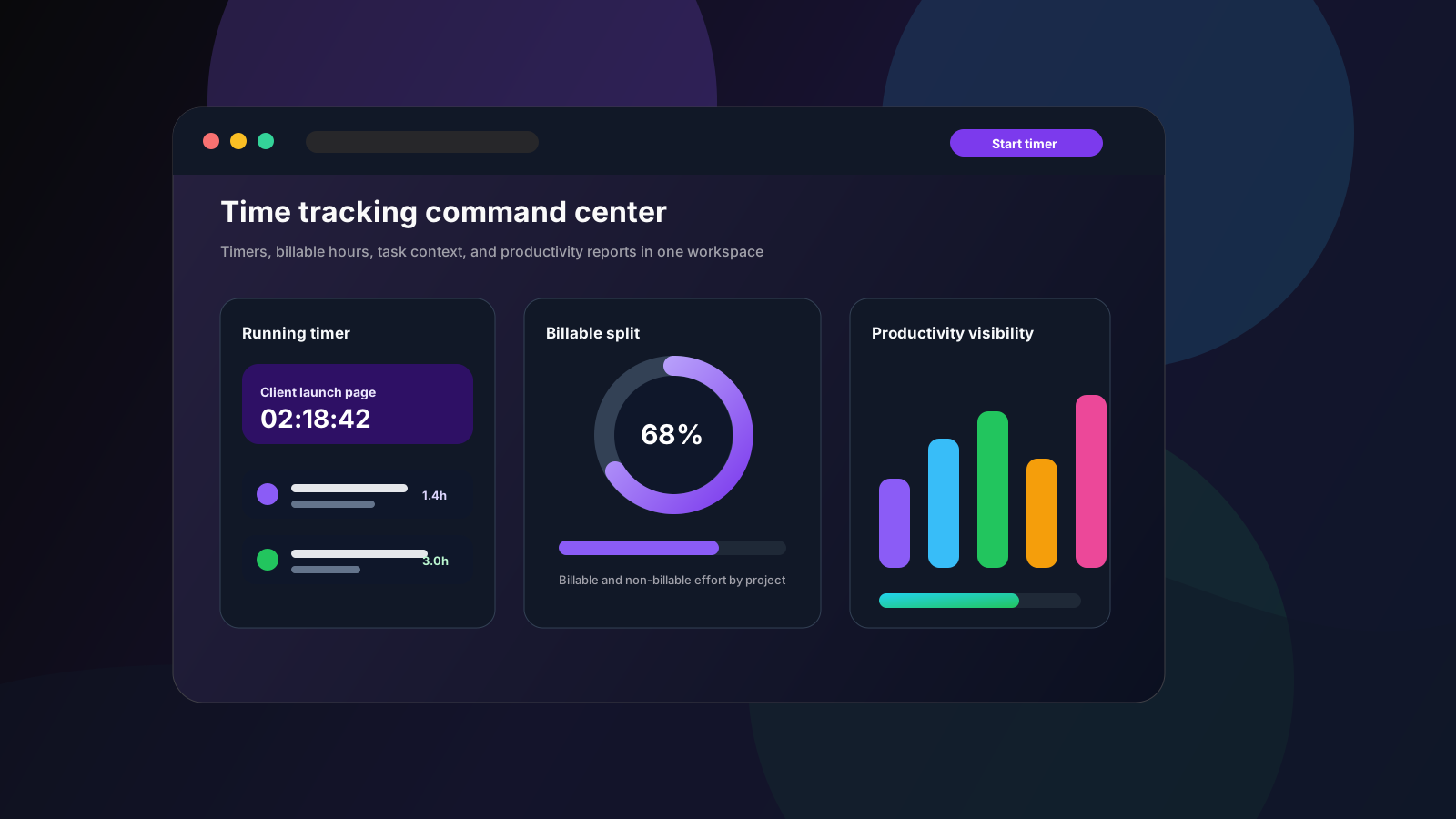
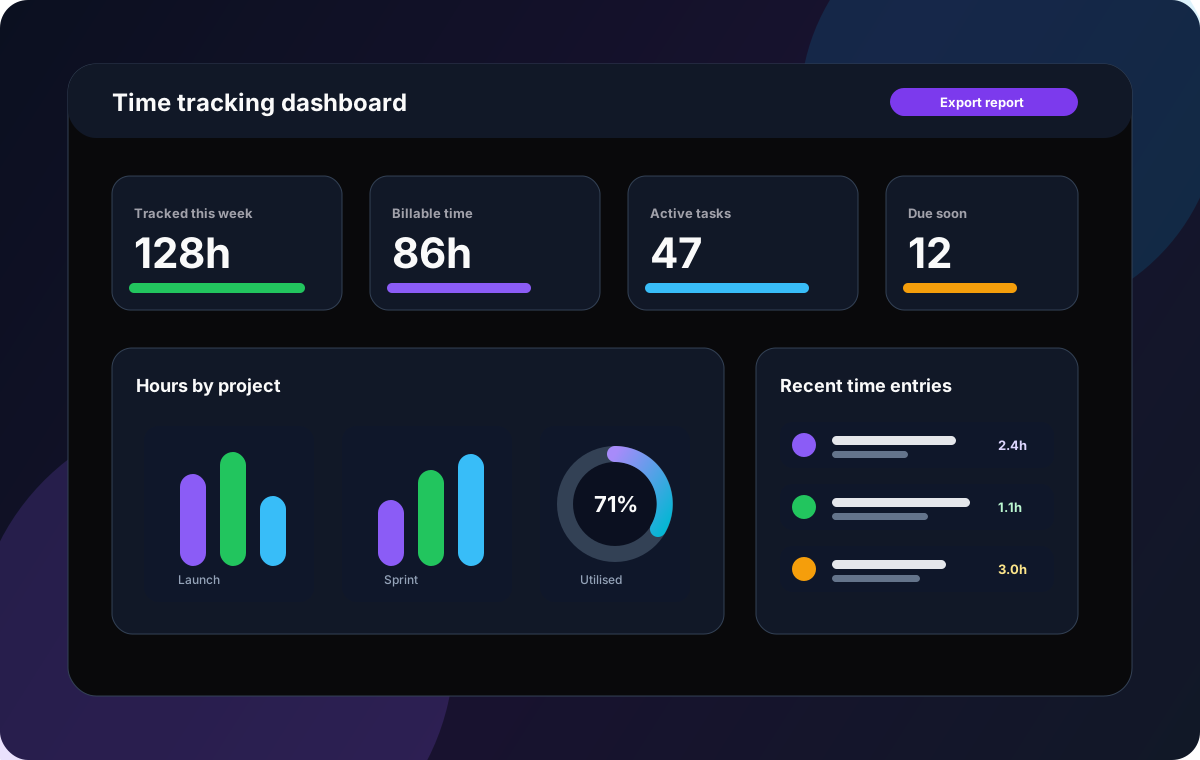
Time tracking software helps people record how long work takes. The simplest tools provide a timer and a timesheet. Better tools also connect time entries to projects, clients, tasks, owners, billable status, reports, and planning data.
In 2026, the strongest time tracking platforms are less about counting minutes and more about improving decisions: which work is profitable, where projects are drifting, who is overloaded, and which processes need clearer ownership.
Time tracking in one sentence
It is the operational record of where effort goes, ideally connected to the project work, client commitments, and team capacity decisions that depend on it.
- Timers capture work as it happens.
- Manual entries correct missed or offline work.
- Billable flags separate client work from internal effort.
- Reports turn raw hours into planning and billing context.
- Task links keep time data grounded in real delivery work.
Why it matters
Why time tracking matters for modern teams
Teams do not track time just to fill in a timesheet. They track time because work has cost, clients need clarity, plans need better estimates, and managers need to understand whether the team is healthy enough to deliver.
Time gets logged at the end of the week, so invoices, project reports, and capacity decisions depend on memory.
Teams can see which tasks are late, but not whether the delay came from scope growth, unclear ownership, or overloaded contributors.
Time tracking lives in one app while tasks, comments, files, priorities, and deadlines live somewhere else.
Managers need productivity visibility, but contributors do not want surveillance-style monitoring that damages trust.
Remote and hybrid teams lose accountability when estimated work, actual time, and delivery status drift apart.
Manual timesheet reporting takes time away from delivery and still leaves leaders with unclear project health.
Visibility challenges
Common productivity and visibility problems
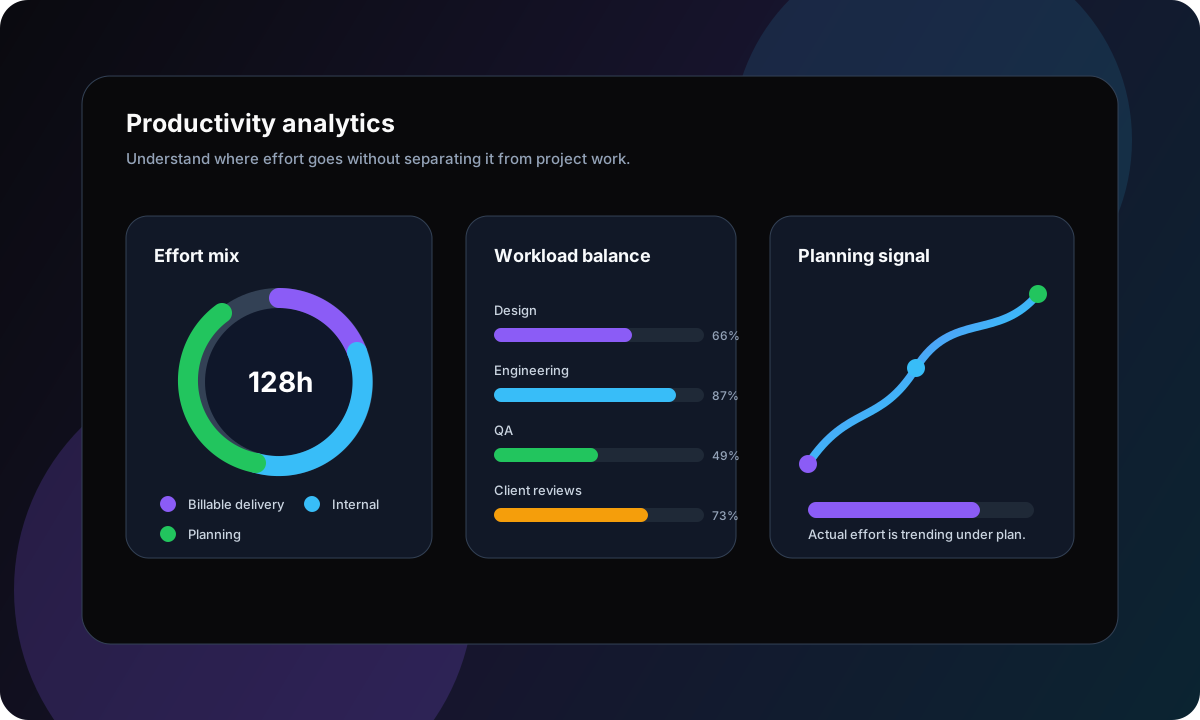
The hardest part of time tracking is not the timer. It is making the data useful without making the process feel punitive. Teams need enough structure for accurate reporting, but not so much friction that people avoid logging time.
Forgotten timers
People forget to start or stop tracking, then patch the timesheet later from memory.
Disconnected work
Hours are logged in a separate tracker with no task status, comments, or deadline context.
Billing uncertainty
Client reports require manual exports, edits, and explanations before they can be trusted.
Burnout signals arrive late
Managers only notice overload after missed deadlines, low morale, or repeated context switching.
Surveillance anxiety
Teams resist tools that feel designed to watch people instead of improve work.
Buying guide
What to look for in time tracking software
Time tracking tools sit on a spectrum. Some are lightweight timers. Some are invoicing systems. Some are employee monitoring platforms. Some are project management tools with time tracking built in. The right choice depends on what the time data needs to improve.
Fast timers and manual entries
People should be able to start a timer from the task, pause it, resume it, stop it, and add manual time when real work does not fit a perfect stopwatch flow.
Billable and non-billable time
Agencies, consultants, and service teams need a clear split between client work, internal work, admin, planning, and non-chargeable support.
Task and project context
Time data becomes more useful when it is tied to owners, priorities, comments, due dates, projects, sections, and custom workflow stages.
Visual work management
Kanban boards, lists, and task views help teams understand what is active, blocked, ready for review, and complete while timers capture effort.
Timeline and deadline visibility
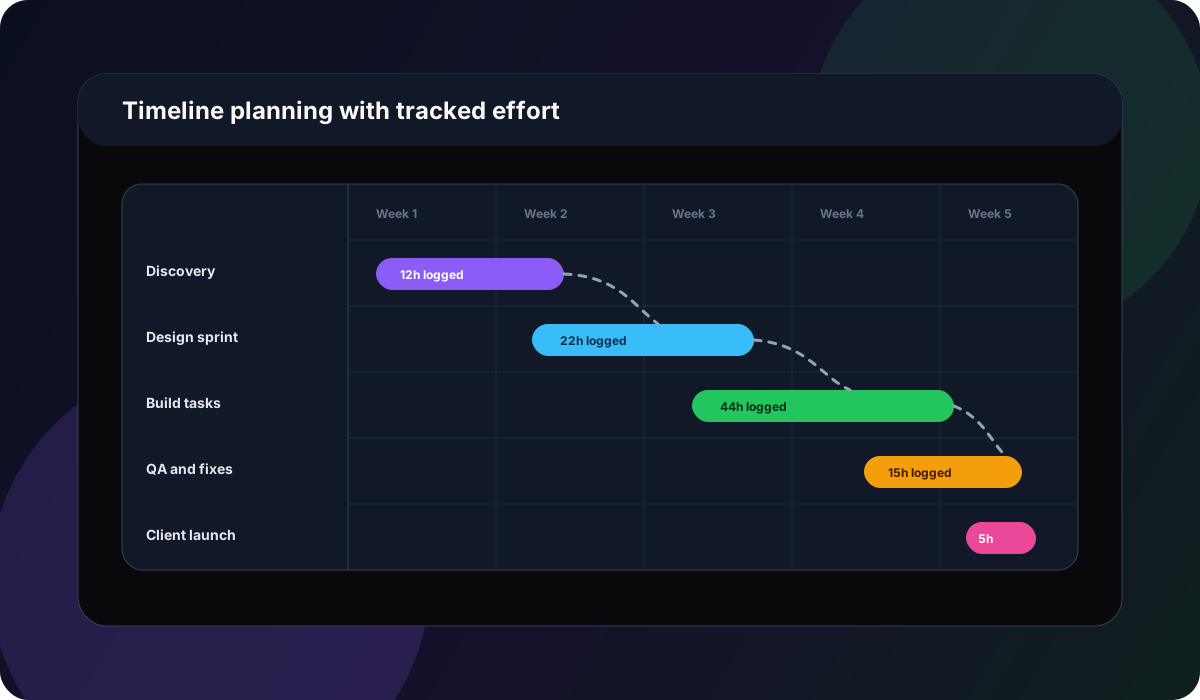
When time data is connected to plans, teams can improve estimates, spot timeline risk, and avoid treating every delay as a surprise.
Reporting without busywork
Look for project time reports, timesheets, exports, workload views, and dashboards that reduce manual reporting instead of adding another weekly chore.
Comparison
Best time tracking software comparison
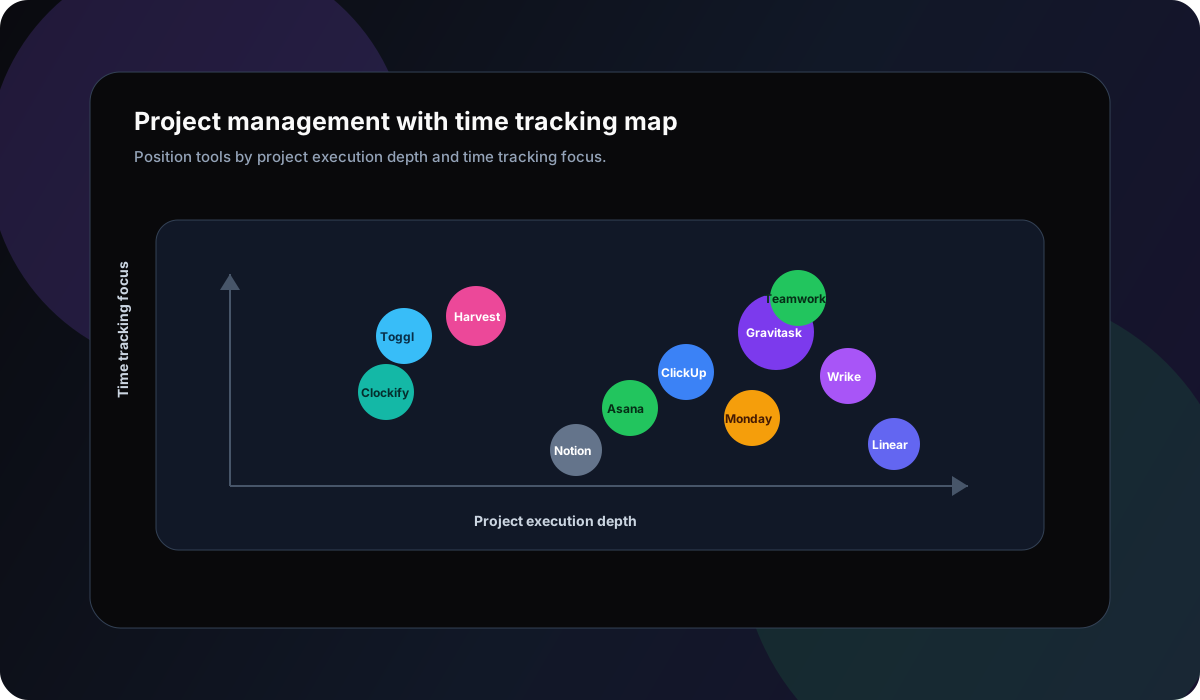
The current market clusters into specialist time trackers, invoicing-led tools, all-in-one project management platforms, workforce monitoring systems, and automatic productivity trackers. This comparison focuses on commercial fit, tracking depth, project context, and adoption risk.
| Software | Best for | Tracking fit | Productivity depth | Watch out | Verdict |
|---|---|---|---|---|---|
| Gravitask | Agencies, consultants, startups, product teams, IT teams, remote teams, operations teams, and growing businesses that want time tracking connected to project execution. | Task-linked timers, pause and resume, manual entries, billable and non-billable time, running timer state, time summaries, and client time reporting. | Task management, Kanban boards, Timeline and Gantt views, comments, reminders, dashboard visibility, mobile timer controls, and cross-platform collaboration. | Best for teams that want time tracking inside a work management system. If you need GPS attendance, screenshots, payroll compliance, or employee monitoring, compare workforce tools such as Hubstaff. | Best modern choice for teams that want time tracking, task management, reporting, and project visibility in one clean workspace. |
| Toggl Track | Freelancers, consultants, agencies, and teams that want simple timers, strong reporting, broad integrations, and minimal friction. | One-click timers, manual entries, calendar view, offline tracking, desktop/mobile apps, browser extensions, timeline, billable rates, and timesheet approvals on higher tiers. | Strong time reporting and project profitability views, with lighter project execution depth than dedicated project management platforms. | Excellent as a specialist time tracker, but teams may still need a separate place for task ownership, roadmap planning, and delivery workflows. | A top specialist for simple, flexible time capture and reporting. |
| Clockify | Teams that want a generous free time tracker for projects, attendance, billable hours, and timesheets. | Timer, manual time entry, billable marking, timesheets, reports, desktop/mobile apps, and exports. | Useful tracking and reporting depth, though project delivery workflows may still need a separate project management system. | Free and flexible can be compelling, but teams should decide early how project structure, approval, and reporting standards will be maintained. | Strong budget-friendly option for straightforward time tracking. |
| Harvest | Client services, consultants, freelancers, and agencies that need time tracking, expenses, invoicing, and project profitability. | Timers, weekly and daily timesheets, calendar-connected tracking, mobile/desktop/browser access, billable tracking, expenses, and invoice workflows. | Excellent billing and profitability context, with lighter native project management than all-in-one work platforms. | Best when invoicing is central. Teams that need Kanban, timelines, and task execution may pair it with another work system. | Best fit when tracked time must turn into invoices quickly. |
| ClickUp | Teams that want a broad all-in-one workspace with tasks, docs, dashboards, timesheets, automations, and AI features. | Task time tracking, timesheets, approvals, locked submissions, reminders, dashboards, and billing-oriented reporting. | Deep project management surface with many views, dashboards, automations, docs, goals, and collaboration tools. | Powerful, but broad. Teams should simplify setup so time tracking does not become another complex system to administer. | Good for teams that want time reporting inside a very feature-rich workspace. |
| Asana | Cross-functional teams already running projects, portfolios, workload, and reporting inside Asana. | Native task-level estimates and actual time, embedded timer, manual logging, historical time log, CSV export, dashboards, and workload integration on eligible plans. | Strong project management, portfolios, goals, workload, reporting dashboards, templates, and cross-team coordination. | Time tracking is most useful when the team is already disciplined about Asana tasks, fields, and project structure. | A polished option when time data needs to inform workload and portfolio planning. |
| Monday.com | Teams that want a flexible work platform where time tracking lives alongside boards, dashboards, automations, and custom workflows. | Time tracking columns, project/client/task breakdowns, reporting widgets, automations, and broad workflow customisation. | Highly configurable boards, dashboards, forms, automations, views, and integrations across many business workflows. | Flexibility requires governance. Time data can fragment if boards and reporting conventions are not standardised. | Strong for teams that want customisable operational workflows with time data attached. |
| Wrike | Marketing, professional services, and enterprise teams that need time tracking inside mature work management. | Live timer, manual timelog entries, task-based time tracking, timesheets, approvals, restrictions, and reporting on eligible plans. | Mature project management with custom workflows, dashboards, proofing, resource planning, reporting, and governance. | Often more system than a small team needs if the main problem is simple task-level time capture. | Best fit for organisations that need formal reporting, governance, and resource planning. |
| Teamwork | Client-facing agencies and professional services businesses that care about billable time, utilisation, budgets, and profitability. | Task and project time tracking, billable flags, timers, time reports, utilisation, cost visibility, and client-work reporting. | Project management, client work, resource planning, profitability, budgets, and agency-oriented delivery workflows. | Excellent for agencies, but teams outside client services may not need all the profitability and client delivery layers. | A strong agency-focused option for time, cost, and project profitability. |
| Hubstaff | Remote, hybrid, field, and operational teams that need workforce time tracking, productivity monitoring, GPS, screenshots, and payroll workflows. | Automated timesheets, project and task tracking, attendance, GPS, activity levels, optional screenshots, app/URL usage, and reports. | Strong workforce visibility and operations analytics, with more monitoring-oriented features than many project teams want. | Monitoring features can be useful for field teams, but knowledge-work teams should be explicit about privacy, trust, and what data is necessary. | Best when employee time tracking and workforce oversight matter more than lightweight project collaboration. |
| RescueTime | Individuals and teams that want automatic activity tracking, focus support, productivity insights, and project timesheets with less manual timer work. | Automatic website/app tracking, focus sessions, goals, alerts, project timesheets, client reports, billable rates, and team calendars. | Strong personal productivity and automatic timesheet angle, with less native task execution depth than project management suites. | Great for understanding attention and activity patterns, but teams may still need a separate project workspace for tasks and delivery. | Best for teams that want automatic productivity insight and timesheet suggestions. |
Why Gravitask
Why Gravitask stands out for time tracking
Gravitask is built for teams that want time tracking to improve project delivery, not sit in a separate admin tool. Timers and manual entries stay connected to tasks, owners, due dates, comments, project views, reminders, and reports.
That makes Gravitask a strong fit when tracked time needs to explain work: what moved, what stalled, which client work was billable, which internal work consumed capacity, and where the next estimate should be smarter.
Task-linked timers
Start, pause, resume, and stop timers from the work itself so every time entry has context instead of living as a disconnected number.
Manual time entries
Add time after meetings, calls, field work, or focused sessions where a live timer was not practical.
Billable time controls
Mark eligible entries as billable or non-billable so reports can separate client work from internal effort.
Client time reports
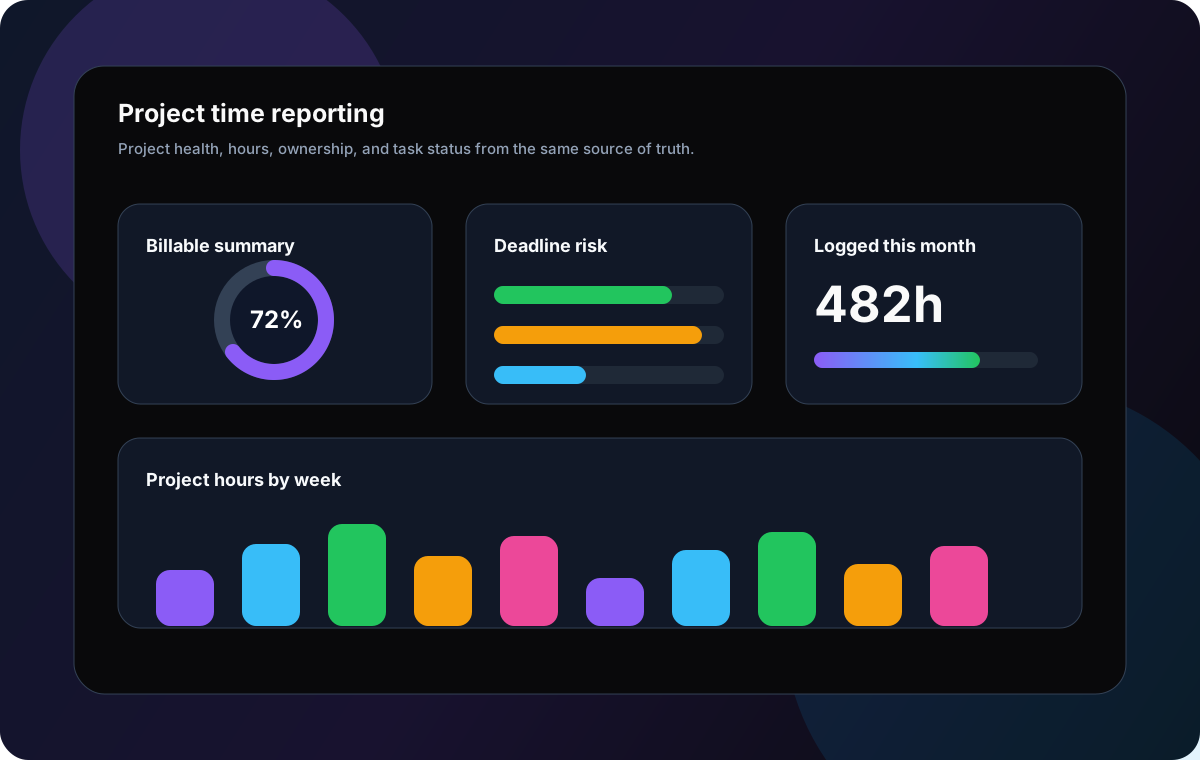
Build timesheet-style reports by project, period, customer context, and detail level, then export a client-ready PDF.
Kanban boards
Track active work visually while time data adds a more accurate view of effort and delivery load.
Timeline and Gantt views
Connect time tracking to project schedules so teams can compare effort, dates, blockers, and deadline risk.
Reminders and accountability
Use due dates, notifications, and visible ownership to keep tasks moving without turning tracking into micromanagement.
Cross-platform access
Track and review work across web and mobile, including mobile timer controls for teams away from the desk.
Replace disconnected timers and project updates
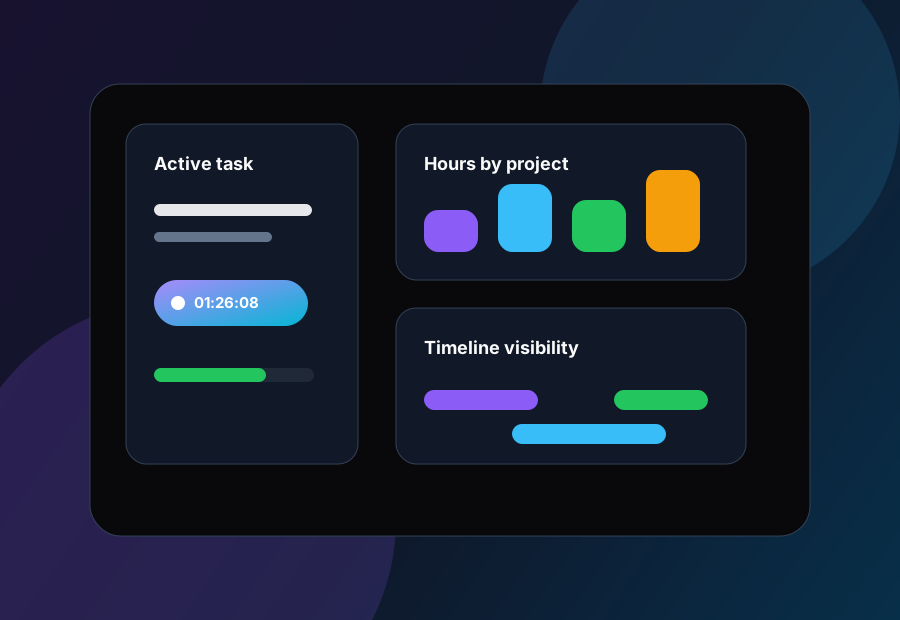
Use Gravitask to track time where work happens: tasks, boards, timelines, reminders, reports, and team collaboration in one modern workspace.
Billable work
Tracking billable and non-billable hours
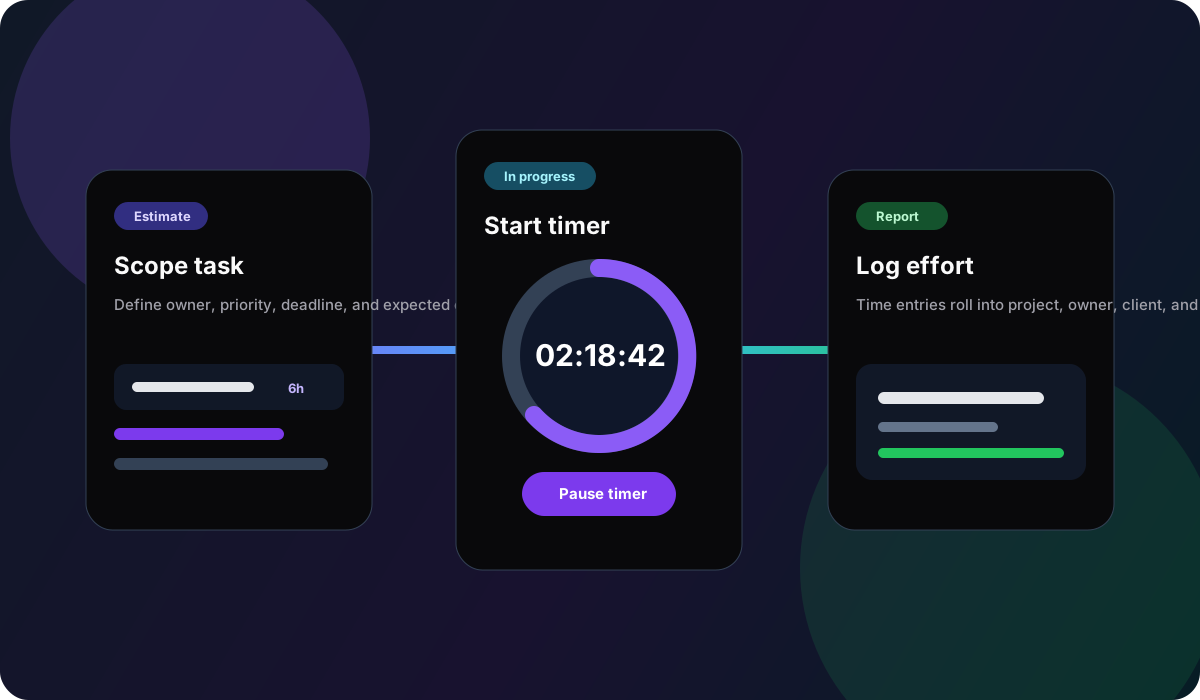
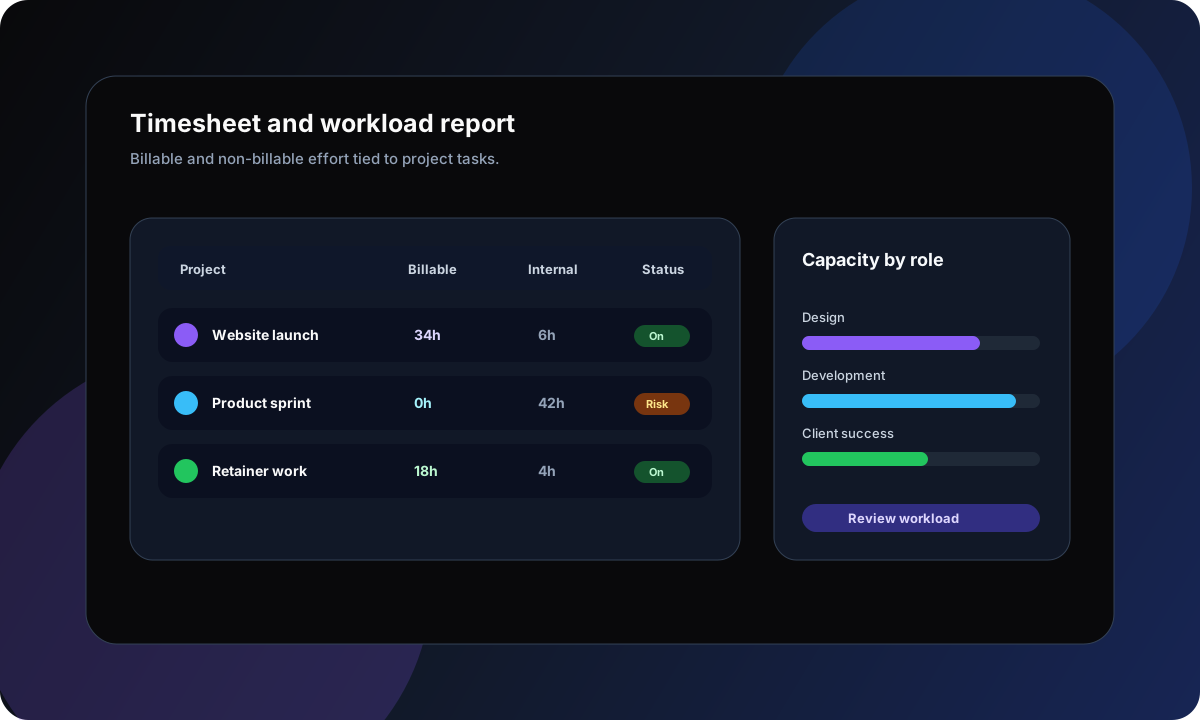
Billable time tracking should make client conversations easier. The goal is not to produce a mysterious spreadsheet at the end of the month. It is to show which tasks, projects, and phases consumed time, and which work should or should not be charged.
- 1
Plan
Define the task, owner, due date, project, priority, and expected effort before tracking starts.
- 2
Track
Start a timer from the task or add a manual entry when work happens outside a timer flow.
- 3
Explain
Attach notes, billable status, and context so the entry is useful to the person reviewing it later.
- 4
Review
Use reports to understand billable time, non-billable work, project load, and blockers.
- 5
Improve
Use patterns from tracked time to refine estimates, rebalance workload, and reduce repeat bottlenecks.
Accountability
Improving productivity and accountability
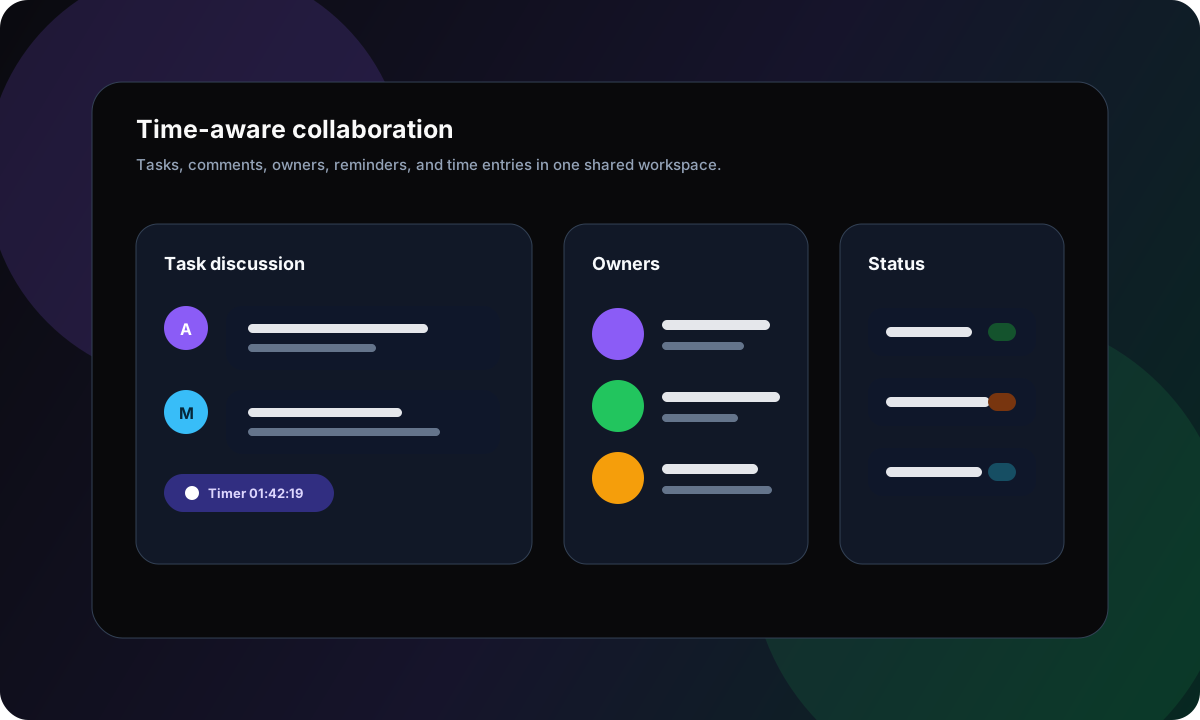
Healthy accountability is specific. It connects work to owners, owners to priorities, and priorities to realistic capacity. Time tracking helps when it gives everyone better context, not when it becomes an opaque scorecard.
Visible ownership
Each time entry should connect to a task, project, or delivery commitment.
Better estimates
Actual time helps future planning when teams review it without blame.
Capacity signals
Repeated non-billable load or hidden admin work can explain missed deadlines.
Trust-first process
Transparent tracking beats secret monitoring for knowledge work teams.
Remote work
Managing remote and hybrid teams
Remote time tracking is most effective when it reduces ambiguity. A manager should understand which tasks are active, where work is blocked, and whether capacity is realistic without asking for a status meeting every afternoon.
Shared context
Task-linked time gives remote teams a shared record of effort, notes, status, and next steps.
Mobile follow-through
Mobile timer controls help contributors track work while away from the desk.
Fewer check-ins
Dashboards and reports answer routine questions before they become meetings.
Clear boundaries
Transparent time tracking should clarify work, not pressure people to appear active every minute.
AI insight
AI-assisted productivity insights
AI is changing time tracking, but the useful version is not a magic timesheet. It is assistance around structured work data: summarising time reports, surfacing missing context, classifying entries, and explaining workload patterns.
The safer model keeps humans responsible for billing, approval, and performance decisions while using AI to reduce reporting friction and highlight patterns worth reviewing.
Report summaries
Turn weekly time entries into concise project updates for managers or clients.
Missing context
Flag entries without notes, project links, or clear billable status.
Workload patterns
Highlight repeated overload, context switching, or recurring non-billable work.
Planning feedback
Use actual effort patterns to improve future estimates and scope discussions.
Use cases
Time tracking by team type
The best setup depends on what the team needs to improve. A freelancer needs clean billable records. An agency needs client-level reporting. A product team needs estimation feedback. An operations team needs capacity visibility.
Agencies
Track billable client work, internal review, scope changes, and non-billable admin without losing the project context.
Start timers from tasks, mark entries as billable where eligible, review project totals, and export time reports for client conversations.
Consultants and freelancers
Create cleaner records for billable hours, retainers, delivery notes, and weekly status updates.
Use task-linked timers for focused work, manual entries for calls, and project reports to understand where time goes.
Product and engineering teams
Improve estimation and sprint planning by comparing planned work with actual effort.
Track time against product tasks, review effort by project or status, and feed insights back into planning.
Remote operations teams
Increase visibility without requiring surveillance-heavy tracking.
Use visible task ownership, time entries, dashboards, reminders, and workload reports to understand progress and bottlenecks.
Pricing and value
How to think about pricing and value
The cheapest time tracker is not always the lowest-cost system. If tracked hours still need manual copying into project reports, invoices, spreadsheets, and status updates, the team pays for that gap every week.
Gravitask value positioning
Gravitask keeps pricing accessible: Free forever for up to 3 users, Pro from £5 per seat/month, and Business from £14 per seat/month. Time tracking works best when it is connected to the task and project workflows your team already uses.
That makes Gravitask a practical fit for teams that want time tracking, project visibility, and productivity reporting without combining several disconnected tools.
Internal links
Recommended Gravitask topic cluster
Use these internal links to strengthen the time tracking, workload, Kanban, Gantt, automation, and project management cluster.
External references
Authority sources and SERP context
This page is informed by current time tracking SERPs, official product pages, and structured data guidance from high-authority sources.
Make time tracking part of the work
Track hours, connect effort to tasks, separate billable work, review project reports, and keep your team aligned without adding another disconnected admin system.